What is VPA in UPI? Meaning, Full Form, Benefits, Examples and How It Works
UPI has transformed the way people send and receive money. Behind every successful UPI transaction is a unique identifier known as a Virtual Payment Address (VPA).
In this article, you will learn how VPA works and how you can use it for secure transactions.
What is VPA in UPI?
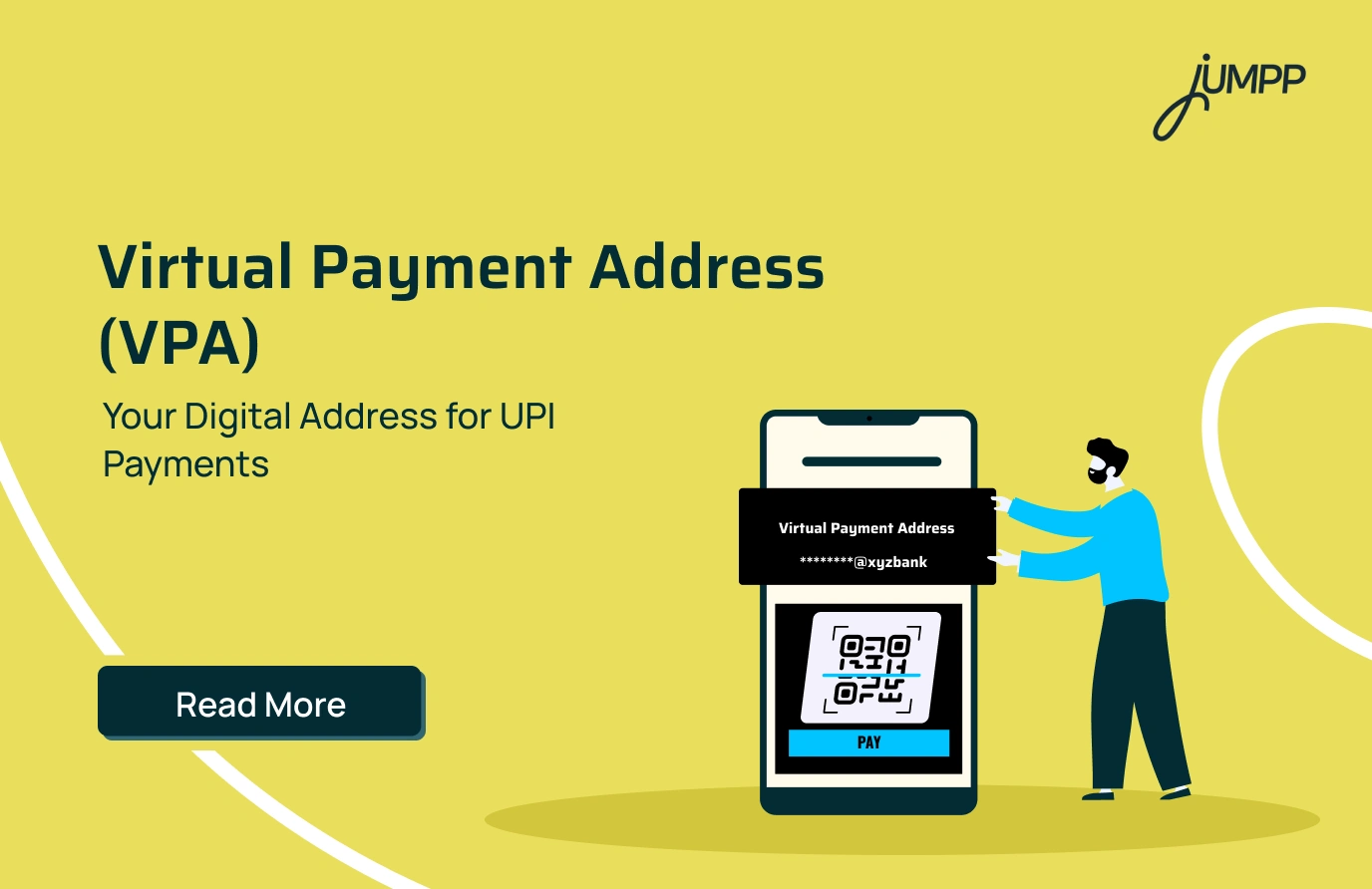
A Virtual Payment Address (VPA) is a unique digital identifier that allows users to send and receive money through the Unified Payments Interface (UPI). Instead of sharing your bank account number and IFSC code, you can simply share your VPA to receive payments securely.
- What Does a VPA Address Mean?
A VPA address typically follows a format similar to an email address, such as:
- 9876543210@ybl
- neha@ibl
Every VPA consists of two parts:
| Component | Description |
| Username | Your name, mobile number or another unique identifier |
| UPI Handle | The part after the @ symbol that identifies your bank or UPI service provider |
The exact handle depends on the bank or UPI app you use.
VPA in UPI Example
Suppose Rahul wants to receive money from Neha. Instead of sharing his bank account number and IFSC code, Rahul simply shares rahul@oksbi.
Neha enters this VPA in her preferred UPI app, verifies Rahul’s name, enters the payment amount, and authorises the transaction using her UPI PIN. The money is transferred directly to Rahul’s linked bank account within seconds.
This makes UPI payments faster while keeping sensitive banking information private.
Want to understand the payment system behind a Virtual Payment Address?
Read our complete guide on What is UPI to learn how UPI works, its features, benefits, and why it has become India’s most popular digital payment method.
How Does VPA Work?
Every UPI transaction using a VPA follows a simple process.
- You register on a UPI-enabled app and link your bank account.
- The app creates or allows you to choose a Virtual Payment Address.
- Someone enters your VPA while sending money.
- The UPI system identifies the bank account linked to that VPA.
- The sender confirms the recipient’s name shown on the screen.
- After entering the UPI PIN, the transaction is authorised.
- The amount is credited to the linked bank account within seconds.
The VPA acts as a bridge between the sender and the recipient’s bank account without revealing sensitive banking information.
How to Create a VPA
Creating a VPA is usually part of the UPI registration process.
The exact steps may differ slightly depending on the application, but the overall process remains similar.
- Download a UPI-enabled application.
- Register using the mobile number linked to your bank account.
- Select your bank from the available list.
- Verify your account details as instructed.
- Set your UPI PIN.
- Choose or customise your Virtual Payment Address if the app provides that option.
Once the registration is complete, your VPA is ready to receive and send payments.
How to Find Your VPA in UPI Apps
If you have forgotten your VPA, you can usually find it within your UPI application’s profile or account section.
Although the exact menu varies across apps, you can generally follow these steps:
- Open your UPI app.
- Go to your profile or account settings.
- Select the bank account linked to UPI.
- Your VPA or UPI ID will be displayed on the screen.
Some apps also allow users to create multiple VPAs linked to the same bank account.
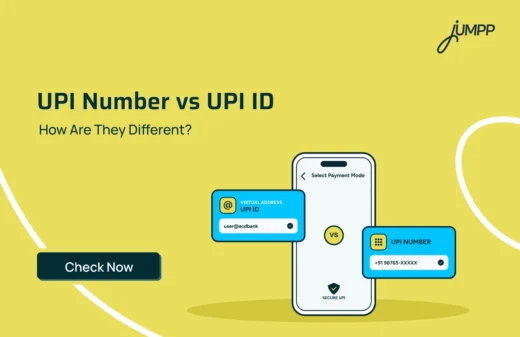
Is VPA and UPI ID the Same?
Yes. VPA and UPI ID refer to the same thing.
These terms are often used interchangeably.
Whether someone asks for your VPA or your UPI ID, they are requesting the unique payment address linked to your bank account.
| Feature | VPA | UPI ID |
| Full form | Virtual Payment Address | Unified Payments Interface ID |
| Purpose | Identify the bank account for UPI payments | Identify the bank account for UPI payments |
| Different? | No | No |
Although the names differ, both represent the same payment identifier.
How to Pay via VPA
Making a payment through a VPA is simple.
- Open your preferred UPI application.
- Select the option to send money.
- Enter the recipient’s VPA.
- Verify the recipient’s name displayed on the screen.
- Enter the amount.
- Add a remark if required.
- Authorise the transaction using your UPI PIN.
The payment is processed instantly once it is successfully authorised.
What is VPA Narration in UPI?
A VPA narration is the description or reference associated with a UPI transaction.
Depending on the UPI application or bank, the narration may include:
- A note entered while making the payment
- The sender’s or receiver’s VPA
- Merchant details
- Transaction purpose
For example, if you pay a restaurant bill and enter “Dinner payment” before completing the transaction, that text may appear as the transaction narration in your payment history or bank statement.
The narration makes it easier to identify individual transactions later.
Benefits of Using a VPA
A Virtual Payment Address (VPA) makes digital payments quick and secure.
- No Need to Share Bank Details
You only need to share your VPA instead of your bank account number and IFSC code, making UPI transactions more secure and convenient. - Quick Transactions
Payments can be completed within seconds through UPI, allowing you to send or receive money almost instantly. - Improved Convenience
A VPA is easier to remember than lengthy bank account details, making digital payments faster and hassle-free. - Better Privacy
Your bank account information remains hidden during transactions, reducing the need to share sensitive financial details. - Interoperability
A VPA works across most UPI-enabled applications, allowing users to send and receive payments regardless of the app they use. - Round-the-Clock Payments
UPI transactions are available 24×7, including weekends and bank holidays, providing uninterrupted access to digital payments.
Is It Safe to Share Your VPA?
Yes. Sharing your VPA is generally safe because it only allows others to send money to your linked bank account.
However, users should follow a few basic safety practices.
- Never share your UPI PIN with anyone.
- Always verify the recipient’s name before approving a payment.
- Carefully review payment requests before authorising them.
- Do not approve unknown collection requests unless you trust the sender.
Following these precautions can help reduce the risk of fraud during digital transactions.
Manage Payments and More with jUMPP
A Virtual Payment Address (VPA) makes UPI payments faster and more secure by eliminating the need to share bank account details.
With jUMPP, you can create and use your UPI ID to send money, receive payments, scan QR codes, and check your account balance through a seamless UPI experience. Beyond payments, jUMPP also helps you manage your finances with a zero-balance YES Bank savings account, mutual fund investments, digital gold, bill payments, account aggregation, and jAI-powered spending insights. Whether you are making everyday payments or planning your financial future, jUMPP brings everything together in one easy-to-use app.
Download jUMPP, India’s First AI-powered Conversational FinTech SuperApp built to make your money do more.
FAQs
You can find your UPI VPA in the profile or account settings of your UPI-enabled app. Open the app, go to your profile or payment settings, select your linked bank account, and your VPA or UPI ID will be displayed. The exact steps may vary depending on the app you use.
Yes, a UPI ID and a Virtual Payment Address (VPA) are the same. Both refer to the unique identifier linked to the bank account that allows you to send and receive money through UPI without sharing your account number or IFSC code.
A VPA looks similar to an email address and contains a username followed by a UPI handle. Common examples include rahul@oksbi, 9876543210@ybl, and neha@ibl. The format may vary depending on your bank or UPI app.
There is no separate VPA number. Your complete Virtual Payment Address, such as 9876543210@ybl or rinku@oksbi, serves as your payment identifier. While some VPAs use a mobile number as the username, the VPA always includes the UPI handle after the “@” symbol.
Yes, a VPA is generally linked to the mobile number registered with your bank account during UPI registration. Some UPI apps create a VPA using your mobile number, while others allow you to create a custom VPA. Regardless of the format, the VPA remains linked to your registered bank account.
The full form of VPA is Virtual Payment Address. It is a unique payment identifier created when you register on a UPI-enabled app and link your bank account. Instead of sharing your account number and IFSC code, you can share your VPA to send or receive money securely through UPI.
There is no separate VPA number in UPI. Your complete Virtual Payment Address (VPA), such as 9876543210@ybl or rahul@oksbi, acts as your payment identifier. Although some VPA users use a mobile number as the username, the VPA is always the full address, including the UPI handle after the “@” symbol.
In banking, a VPA is a secure digital address assigned to a customer’s linked bank account for making UPI payments.