What Is a UPI PIN? Meaning, How It Works, How to Create, Change, and Reset It
UPI has made digital payments faster for us. However, every UPI transaction requires one important security feature before the payment is completed.
That security feature is the UPI PIN. It authorises every debit transaction from your linked bank account and helps protect your money from unauthorised access. In this guide, you will learn what a UPI PIN is, how it works, how to create, change, or reset it, and how it differs from an MPIN and an ATM PIN.
What is UPI?
UPI (Unified Payments Interface) is a real-time payment system developed by NPCI that lets you transfer money directly between bank accounts. It works 24/7 and allows you to make payments using a mobile app without entering bank account details every time.
- Let’s you send and receive money instantly.
- Supports payments through UPI ID, QR code, or mobile number.
- Works across different banks and UPI apps.
- Available round the clock.
What is a UPI PIN?
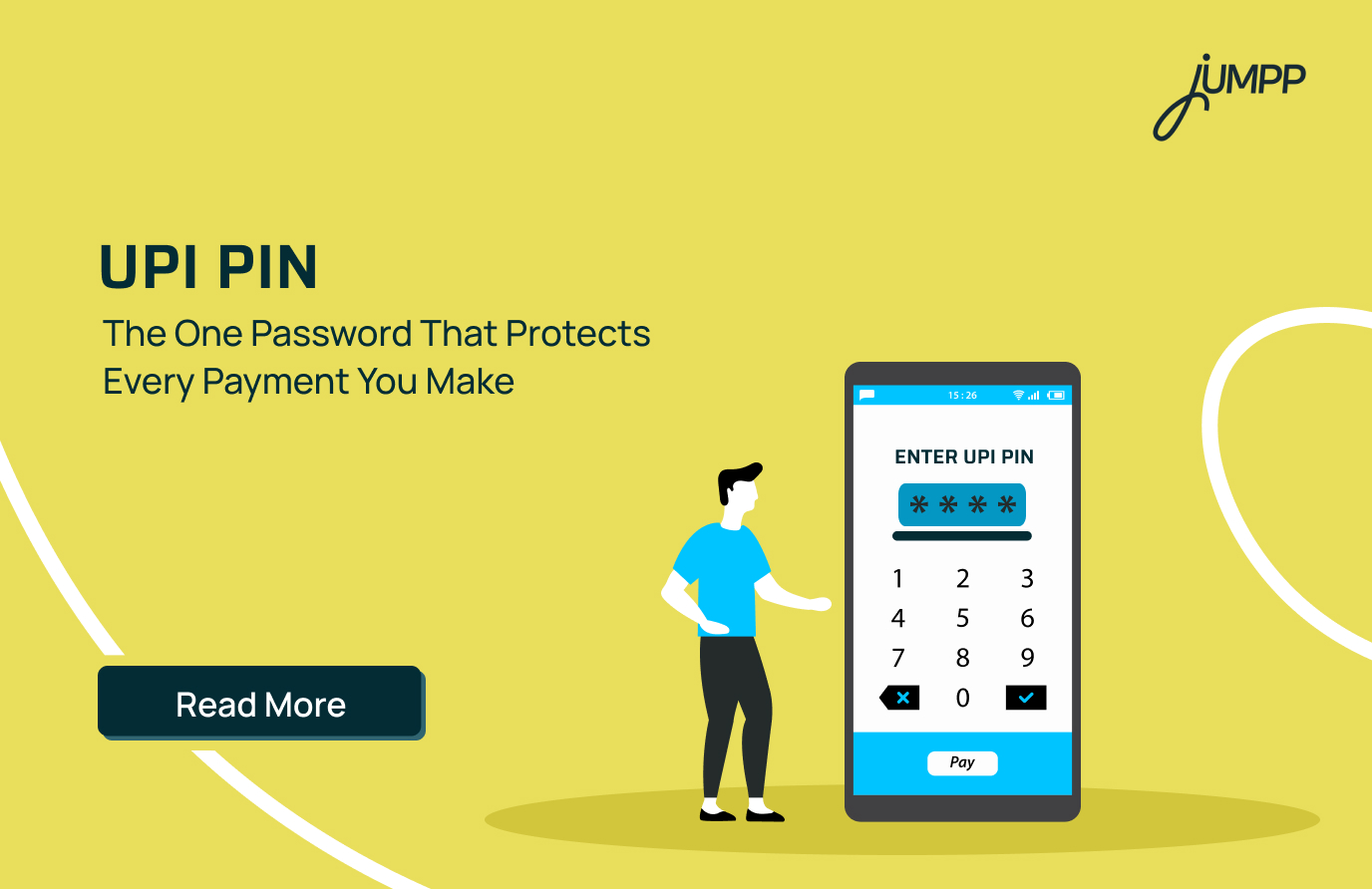
A UPI PIN is a 4 or 6 digit secret code that authorises every UPI payment made from your bank account. Think of it as your approval before money leaves your account.
- Required to complete debit transactions.
- Created when you link your bank account to a UPI app.
- Different from your ATM PIN and MPIN.
- Should never be shared with anyone.
How Does a UPI PIN Work?
Every time you make a UPI payment, your PIN confirms that you are the one authorising the transaction. The payment is processed only after your bank verifies the PIN.
- You enter your UPI PIN in the app.
- The app securely encrypts the PIN.
- NPCI sends the request to your bank.
- Your bank verifies the PIN.
- The payment is completed if the PIN is correct.

How to Create a UPI PIN
You need to create a UPI PIN only once while linking your bank account to a UPI app. After that, the same PIN is used to approve future payments.
- Link your bank account in the UPI app.
- Tap Set UPI PIN.
- Enter the last six digits and expiry date of your debit card.
- Verify using the OTP sent by your bank.
- Choose and confirm your new UPI PIN.
Want to start using UPI payments? Learn how to create UPI ID and set up your digital payment account easily with this step-by-step guide.
How to Change Your UPI PIN
If you remember your existing PIN, you can change it anytime through your UPI app. Updating your PIN regularly is a good security practice.
- Open your UPI app.
- Select your linked bank account.
- Tap Change UPI PIN.
- Enter your current PIN.
- Set and confirm your new PIN.
How to Reset a Forgotten UPI PIN
If you forget your UPI PIN, you can easily reset it after verifying your debit card details and completing OTP authentication. The process only takes a few minutes.
- Open your UPI app.
- Select Forgot UPI PIN.
- Enter your debit card details.
- Verify the OTP received on your registered mobile number.
- Create and confirm a new PIN.
UPI PIN vs MPIN vs ATM PIN
Although all three PINs help protect your banking activities, they serve different purposes. Understanding the difference can help you avoid confusion while making payments.
| Feature | UPI PIN | MPIN | ATM PIN |
| Purpose | Approves UPI payments | Logs into mobile banking | Used for ATM withdrawals and card payments |
| Created Through | UPI app | Mobile banking app | ATM, branch, or net banking |
| Used For | Sending money and merchant payments | Accessing banking services | Cash withdrawal and POS transactions |
What are the Uses of a UPI PIN
A UPI PIN is required whenever a UPI transaction debits money from your bank account. Without entering the correct PIN, the payment cannot be completed.
- Send money to friends and family.
- Pay merchants by scanning QR codes.
- Make online purchases using UPI.
- Check your account balance on supported UPI apps.
Is a UPI PIN Safe?
Yes, a UPI PIN is safe because every transaction is authenticated by your bank before money is transferred. However, its security also depends on how well you protect it.
- Never share your UPI PIN with anyone.
- Never enter your PIN to receive money.
- Avoid simple PINs such as 1234 or your birth year.
- Change your PIN immediately if you think it has been compromised.
Troubleshooting Common UPI PIN Issues
Most UPI PIN issues can be resolved without visiting the bank. They are usually caused by an incorrect PIN, temporary bank server problems, or transaction limits.
Incorrect UPI PIN
- Entering the wrong PIN multiple times may temporarily block UPI transactions.
- Reset your PIN using your debit card if you cannot remember it.
Payment Failed Even With the Correct PIN
- Check if your bank server is temporarily unavailable.
- Verify that you have not reached your daily UPI transaction limit.
- Ensure your internet connection is stable.
- Try the transaction again after some time or contact your bank if the issue continues.
Pay Smarter with jUMPP UPI
From merchant payments to money transfers, jUMPP UPI app lets you make secure UPI transactions in just a few taps. Get started today.
FAQs
A UPI PIN (Unified Payments Interface Personal Identification Number) is a 4 or 6-digit secret code used to authorise UPI transactions. It is created when you link your bank account to a UPI app and is required to complete every debit transaction.
A UPI PIN is used to securely approve transactions such as sending money, paying merchants via QR codes, making online purchases using UPI, and other debit transactions from your linked bank account.
When you initiate a UPI payment, you enter your UPI PIN to authorise the transaction. The PIN is securely verified by your bank through the NPCI network, and the payment is processed only if the PIN is correct.
You can create a UPI PIN while linking your bank account to a UPI app. Typically, you’ll verify your debit card details and authenticate the request using an OTP before setting your new UPI PIN.
Open your UPI app, select the linked bank account, tap Forgot UPI PIN, verify your identity using your debit card details and OTP, and then create a new UPI PIN.
No. A UPI PIN is used to authorise UPI payments, while an ATM PIN is used for ATM withdrawals and debit card transactions. Although you may use your debit card to create a UPI PIN initially, both PINs are different.
Yes. You can change your UPI PIN anytime through your preferred UPI app by selecting your linked bank account and choosing the Change UPI PIN option.
No. Never share your UPI PIN with anyone. Banks, NPCI, and UPI apps will never ask for your PIN. Also, remember that you never need to enter your UPI PIN to receive money.
If you enter an incorrect UPI PIN, the transaction will fail. Repeated incorrect attempts may temporarily block UPI transactions from your account, depending on your bank’s security policy.
A UPI PIN acts as an authentication layer that confirms you have authorised the transaction before money is debited from your bank account. This helps protect your account from unauthorised payments and fraud.