UPI Payment Failed, but Money Debited? Here’s What to Do
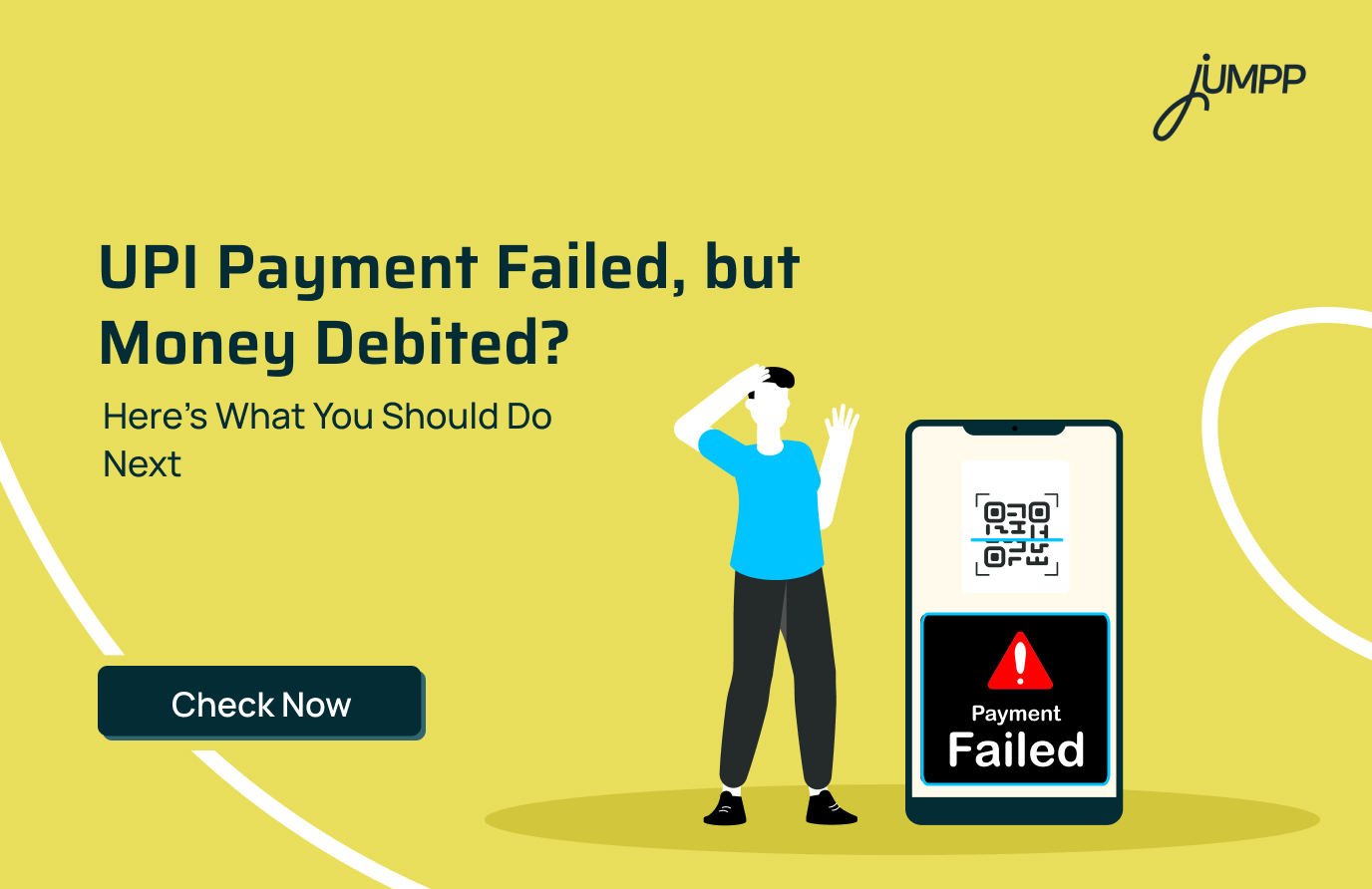
A UPI payment can fail even after the amount has been deducted from your bank account. It can happen because of a bank server issue, network failure, transaction limit or a problem with the receiver’s bank.
If your UPI transaction failed but amount was debited, do not panic or make another payment immediately. The transaction may be reversed automatically, depending on the reason for failure and the applicable resolution timeline.
Why Does a UPI Transaction Fail but Money Gets Debited?
The failure can occur at different points between your UPI app, bank and the UPI network.
Some common reasons include:
1. Issue at Your Bank:
Your bank’s server may be temporarily unavailable, under maintenance or experiencing heavy traffic. This can result in messages such as “Could not initiate transaction” or “UPI issue at your bank”.
2. UPI Network Issue:
A transaction can fail because of a communication or processing issue between the participating banks, PSPs and the UPI infrastructure. NPCI identifies banks, PSPs and beneficiary banks as participants in the UPI ecosystem.
3. Receiver Bank Does Not Allow the Payment:
The receiver’s bank may decline the transaction because of an account-related restriction, technical issue or other bank-specific reason.
4. Transaction Limit Exceeded:
Your bank or UPI app may have transaction or value limits that prevent the payment from going through.
5. Temporary Technical Failure:
A temporary technical issue can interrupt the transaction after your account has already been debited, leaving the payment status as failed or pending.
What Should You Do If Your UPI Payment Failed but Money Was Deducted?
If your UPI payment failed but money was deducted, follow these steps.
1. Check the Transaction Status
Open your UPI app and check the transaction history. Confirm whether the payment is marked as failed, pending or successful.
2. Do Not Make Another Payment Immediately
If the amount has already been deducted, making another payment before the first transaction is resolved could result in confusion or a duplicate payment.
3. Note the UTR or Transaction ID
Save the transaction reference number, date, amount and recipient details. These details can help your bank identify the transaction quickly.
4. Wait for the Applicable Reversal Period
A failed transaction may be automatically reversed according to the applicable payment-system timeline. For eligible failed UPI transactions, the RBI framework provides for reversal within the prescribed TAT.
5. Raise a Complaint Through Your UPI App
If the amount is not returned within the applicable timeline, use the complaint or dispute option available against the transaction in your UPI app. NPCI states that users can raise complaints directly through their UPI app.
6. Contact Your Bank
If the issue remains unresolved, contact your bank with the UTR or transaction ID and request an update on the failed transaction and refund.
How Long Does a UPI Refund Take After a Failed Transaction?
The refund time depends on the type of UPI transaction:
| Transaction Type | Refund Timeline |
| Automatic reversal | Often within 30–60 minutes |
| Person-to-Person (P2P) payment | Up to T+1 day |
| Person-to-Merchant (P2M) payment | Up to T+5 days |
Here, T means the date of the transaction. If the amount is not reversed within the applicable timeline, you can raise a complaint with your bank or UPI app.
How to Raise a Complaint for a Failed UPI Transaction
If your UPI transaction remains unresolved after the applicable reversal period, you can formally raise a dispute. Keep your UPI transaction ID/UTR, amount, date and payment details ready before starting.
- Raise a dispute in your UPI app: Find the transaction in your payment history and use the available help or dispute option.
- Save the complaint reference: Note the ticket or complaint number so you can track the case.
- Approach your bank: Share the transaction details and complaint reference if the issue is not resolved through the app.
- Escalate the complaint: If you do not receive a satisfactory resolution, follow the applicable NPCI grievance escalation process.
When Should You Contact Your Bank or NPCI?
Not every failed UPI transaction requires immediate escalation. However, certain situations need attention from your bank or the appropriate grievance channel.
- Refund is overdue: Contact your bank if the money has not returned even after the applicable reversal timeline.
- Your account is restricted: Speak to your bank if your account has unexpectedly been blocked, frozen or restricted for UPI transactions.
- You notice an unauthorised payment: Report it to your bank immediately and take steps to secure your account.
- The same error keeps occurring: Contact your bank if transactions repeatedly fail despite a sufficient balance, correct details and available transaction limits.
- Your complaint is still unresolved: If the bank or UPI app does not resolve the issue, proceed to the next level of the applicable grievance redressal process.
Common UPI Error Messages and Their Meaning
Here are some common UPI error codes and what they generally indicate:
| UPI Error Code | What It Means |
| Z9 | Insufficient balance in the sender’s bank account |
| ZM | Incorrect or invalid UPI PIN entered |
| Z8 | Transaction amount exceeds the permitted limit |
| Z7 | Number of permitted transactions has been exceeded |
| ZH | Invalid UPI ID or Virtual Payment Address (VPA) |
| Z6 | Maximum number of UPI PIN attempts exceeded |
| YE / YF | Sender’s or receiver’s bank account is blocked or frozen |
| UT / U28 | Bank server is unavailable or the request has timed out |
| UP | UPI payment app/PSP request has timed out |
| U67 / U68 | Debit or credit request timed out during the transaction |
Technical errors such as server downtime or timeouts may resolve after some time. For account-, PIN- or limit-related errors, check the details shown in your UPI app or contact your bank if the issue continues.
What Does “Could Not Initiate Transaction: UPI Issue at Your Bank” Mean?
The message “Could not initiate transaction” or “UPI issue at your bank” generally indicates that the problem may be at the payer bank’s end.
The bank’s UPI or related payment infrastructure could be temporarily unavailable or unable to process the request.
What Does “Receiver Bank Doesn’t Allow Payment to This Account” Mean?
The message “receiver bank doesn’t allow payment to this account” indicates that the beneficiary bank has not allowed the transaction to proceed.
The reason can be related to the receiver’s account, bank restrictions, transaction limits or a temporary technical problem.
If the payment fails, ask the receiver to check their account or provide another valid UPI ID or payment method if the payment is urgent.
What Does a UPI Network Issue Mean?
A UPI network issue means the transaction could not be completed because of a problem while the payment request was being processed through the UPI ecosystem.
The issue may be temporary, so check your internet connection and the transaction status before trying again.
Why Is My Bank Declining UPI Transactions?
Your bank may decline a UPI transaction because of temporary technical problems, account restrictions, transaction limits or issues with the bank’s payment infrastructure.
A declined transaction does not automatically mean that something is wrong with your UPI account permanently.
If the problem continues, check whether:
- Your account is active: Confirm that there are no restrictions on your bank account.
- You have sufficient balance: Check your available account balance before retrying the payment.
- You have crossed a transaction limit: Banks and UPI apps can apply transaction limits.
- Your bank’s UPI services are working: Temporary downtime can prevent payments from being processed.
- The receiver’s account is active: If the issue occurs only when paying a particular person, the problem may be related to the beneficiary account.
How to Prevent UPI Transaction Failures
UPI transaction failures can happen due to multiple reasons. A few simple checks before making a payment can reduce the chances of a failed transaction.
- Verify payment details: Double-check the receiver’s UPI ID, name or mobile number before making the payment.
- Maintain sufficient balance: Make sure your linked bank account has enough money to complete the transaction.
- Check transaction limits: Confirm your bank’s applicable UPI transaction and daily limits before making a high-value payment.
- Check bank availability: If your bank’s servers are temporarily unavailable, wait for some time before trying the transaction again.
- Update your UPI app: Keep the app updated to the latest version to avoid technical or compatibility issues.
- Use a stable internet connection: Poor connectivity can interrupt a transaction, so use a reliable mobile data or Wi-Fi connection.
- Enter the correct UPI PIN: Repeated incorrect PIN attempts can temporarily restrict UPI transactions.
Also read: UPI transaction limits for 2026!
Conclusion
A failed UPI payment with money debited can be concerning, but the amount may be reversed based on the applicable transaction timeline.
Keep your transaction details handy and track the payment status. If the refund does not arrive within the applicable timeline, raise a complaint through your UPI app or bank.
Want to build better saving habits? Learn how to set up automatic savings and make saving money a regular part of your financial routine.
Manage More Than Just Payments with jUMPP
With UPI on jUMPP, you can send and receive money, scan QR codes, and check account balances with seamless UPI transactions.
Beyond payments, jUMPP brings your finances together with a zero-balance YES Bank savings account, net worth calculation, mutual funds, digital gold, bill payments, recharges, and jAI-powered spending insights.
Manage payments, banking, budgeting, and investments in one place. Download jUMPP today.
Frequently Asked Questions
Check the transaction status, save the UTR and wait for the applicable reversal period. If the amount is not returned within the prescribed timeline, raise a dispute through your UPI app and contact your bank.
A UPI payment can fail after the account is debited because of a technical issue at your bank, the receiver’s bank, the UPI network or another part of the payment system.
The refund timeline depends on the type of transaction and failure. For certain failed UPI fund-transfer transactions, the applicable RBI framework specifies reversal within T+1 day.
It means your account has been debited, but the final status of the transaction has not yet been confirmed. The transaction may later become successful or failed.
Yes, eligible failed transactions are subject to applicable reversal processes. If the amount is not automatically returned within the applicable timeline, raise a complaint with your UPI app or bank.
Start by raising a complaint against the transaction through your UPI app. If the issue remains unresolved, contact your bank with the UTR and transaction details and follow the applicable escalation process. NPCI supports complaint redressal through UPI apps.
Check your account balance, transaction limits and whether your bank’s UPI services are working. If the issue continues, contact your bank for the specific reason for the decline.
It generally means the beneficiary bank has not allowed the transaction to proceed. The cause may be related to the receiver’s account, bank restrictions, limits or a temporary technical issue.
No. First check the status of the existing transaction. Retrying immediately could result in another debit if the first transaction is eventually processed successfully.
It means the beneficiary bank has not allowed the UPI payment to proceed. The reason may be related to the recipient’s account, bank restrictions, transaction limits or a temporary technical issue.
Check the transaction status and contact your bank with the UTR or transaction reference number. You can also raise a complaint through the UPI app used for payment and follow the applicable escalation process.
UPI may not work because of bank server downtime, UPI infrastructure disruptions, app maintenance, internet connectivity problems or other temporary technical issues. Check your bank and UPI app status before trying again.