UPI ID vs UPI Number: What’s the Difference?
You want to send someone money. Sometimes the app asks for a UPI ID, while at other times, a UPI number is enough.
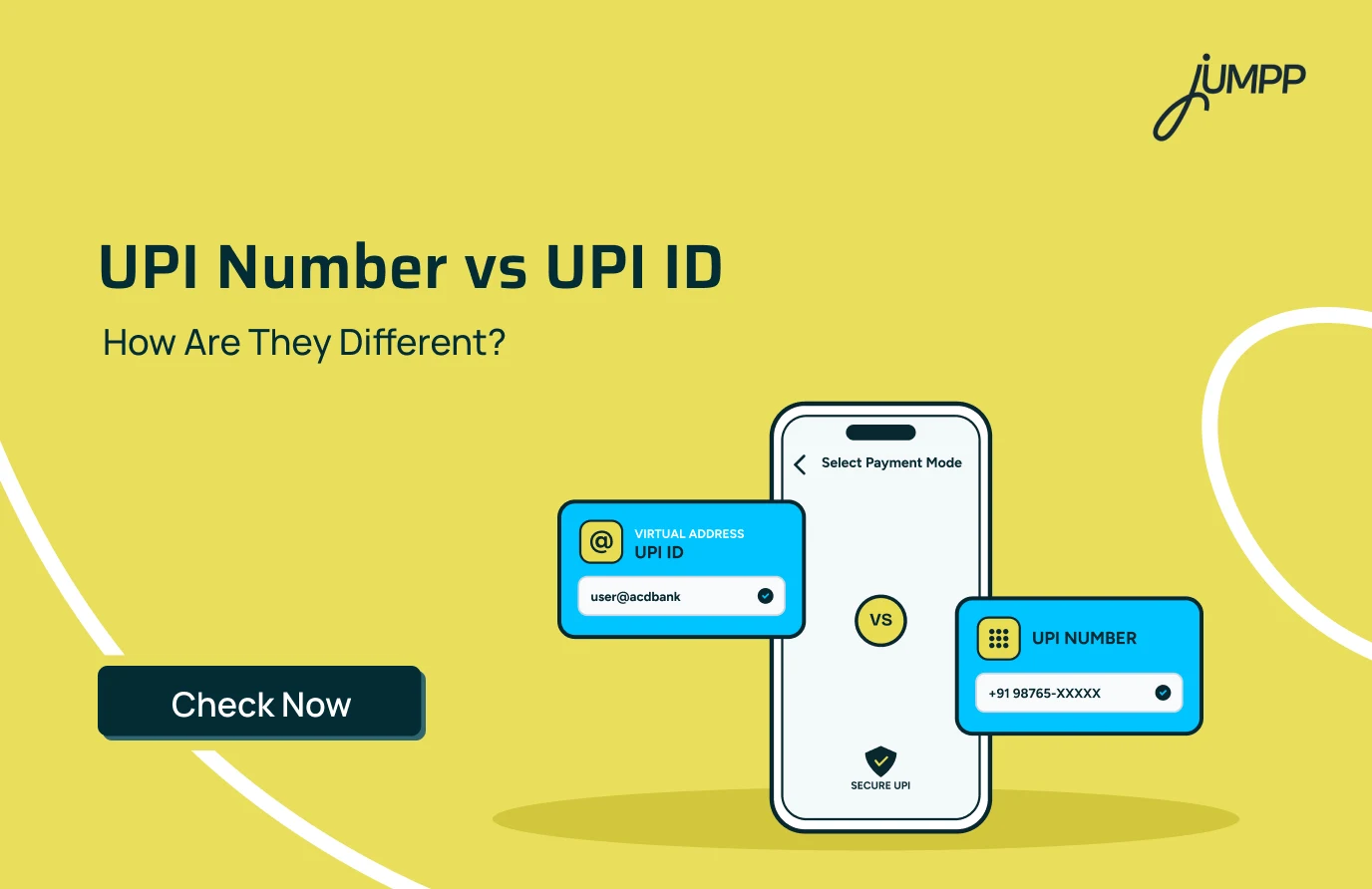
A UPI ID is a virtual payment address linked to your bank account, while a UPI Number is a numeric identifier mapped for receiving UPI payments. Both help identify the person receiving the money without requiring you to enter their bank account details.
Let’s understand UPI ID vs UPI Number, how each works and where you can find them.
UPI ID vs UPI Number – How Do They Differ?
The biggest difference between UPI ID and UPI Number is simple: one is an address with an @ handle, while the other uses numbers to identify the recipient.
| Basis | UPI ID | UPI Number |
| Meaning | Virtual payment address | Numeric UPI payment identifier |
| Format | Contains a name/number and @ handle | Contains only numbers |
| Example | amit@bank | Registered numeric identifier |
| Used for | Sending and receiving UPI payments | Identifying a recipient for UPI payments |
| Bank details needed? | No | No |
| Where to find it? | UPI profile or bank account settings | UPI/profile settings of a supported app |
Why Is My UPI Not Working? Common Reasons and How to Fix It
What is UPI ID?
A UPI ID, also known as a Virtual Payment Address or VPA, is an address created for making and receiving UPI payments.
A UPI ID generally looks like this:
name@handle
UPI ID Examples
Depending on the UPI app or bank, UPI ID examples could look like:
- arun@bank
- 98765xxxxx@provider
- name@upi
The part after @ depends on the bank or UPI service provider. UPI IDs are designed to enable payments without requiring users to share their account number and IFSC with the sender.
How UPI ID Works
A UPI ID connects your bank account to a virtual payment address, allowing you to send and receive money without entering bank account details each time.
- Link Your Bank Account: Register on a UPI-enabled app using the mobile number linked to your bank account.
- Create a UPI ID: The app creates or lets you select a UPI ID, such as name@provider.
- Set Your UPI PIN: Set a UPI PIN to authorise payments from the linked bank account.
- Enter Recipient Details: To pay someone, enter their UPI ID, use another supported payment identifier, or scan their QR code.
- Enter the Amount: Add the amount you want to transfer and verify the recipient’s name.
- Authorise the Payment: Enter your UPI PIN to approve the transaction.
- Payment Is Processed: UPI routes the transaction between the participating banks, and the payment status is shown in the app.
Here are the quick steps to create a UPI ID Online
How to Find UPI ID
The exact menu can differ between apps, but you can usually find it by:
- Opening your UPI or banking app.
- Going to your profile or account section.
- Selecting the linked bank account or UPI settings.
- Looking for UPI ID, VPA or Manage UPI IDs.
- Checking the active UPI ID displayed there.
Some apps may create or display more than one UPI ID, so check which one is currently active before sharing it.
What Is a UPI Number?
A UPI Number is an 8- to 10-digit number linked to your UPI ID that makes it easier to send and receive money without sharing bank details.
For example, instead of remembering:
person@handle
a sender may be able to find the recipient through the number mapped to their UPI profile.
UPI Number Examples
A UPI Number is numeric rather than an address containing an @ handle.
A simple way to distinguish the formats is:
UPI ID: riya@handle
UPI Number: Numeric identifier mapped for UPI payments
This format difference is usually the easiest way to tell the two apart.
How UPI Number Works
A UPI Number works as a numeric identifier linked to your UPI profile, making it easier for others to find and pay you without entering a full UPI ID.
- Link or Create the Number: Add your mobile number or another supported numeric identifier through a UPI-enabled app.
- Map It to Your UPI ID: The UPI Number is linked to your active UPI ID and bank account.
- Sender Enters the Number: The sender enters your UPI Number in their UPI app.
- Recipient Is Identified: The system matches the number with the linked UPI profile and displays the recipient details.
- Sender Enters the Amount: The sender checks the recipient’s name and enters the payment amount.
- Payment Is Authorised: The sender enters their UPI PIN to approve the transaction.
- Money Is Transferred: The payment is processed to the bank account linked to the recipient’s UPI profile.
How to Find UPI Number
The exact menu may vary across UPI apps, but the general process is similar:
- Open your UPI-enabled app.
- Go to your profile, bank account or UPI settings.
- Look for an option such as UPI Number, Manage UPI Number or a similar setting.
- Select the bank account or UPI ID linked to the number.
- View the existing UPI Number, if already created.
- If no UPI Number is available, follow the app’s option to add or create one.
- Confirm the details and complete any verification required by the app.
The UPI Number shown there is the numeric identifier linked to your UPI profile for receiving supported UPI payments.
Can You Make a UPI Payment Using Mobile Number?
Yes, UPI payment using a mobile number is possible when the number is appropriately registered and available for receiving payments through the supported UPI service.
For example, when you select a contact or enter a number in a UPI app, the app may retrieve the corresponding UPI recipient.
Before paying, always check the recipient’s name shown on the screen. Do not rely only on the number saved in your contacts.
What Are the Different UPI Payment Methods?
UPI isn’t limited to typing a UPI ID. Depending on your app and the transaction, different UPI payment methods may be available.
You may be able to make a payment using:
- UPI ID
- UPI Number or eligible mobile number
- QR code
- Bank account details
- Merchant payment options supported by the UPI app
Whichever method you use, verify the recipient and transaction amount before entering your UPI PIN.
Also read: What is VPA in UPI?
Conclusion
The difference between a UPI ID and UPI Number mainly comes down to their format and how they identify the recipient.
A UPI ID uses a virtual address with an @ handle, while a UPI Number uses a numeric identifier. Both are designed to simplify UPI payments without requiring the sender to manually enter the recipient’s bank account details.
UPI ID vs UPI Number: FAQs
No. A UPI ID is a virtual payment address containing an @ handle, whereas a UPI Number is a numeric identifier used to identify a recipient for supported UPI payments.
A UPI ID generally looks like name@handle. The exact handle depends on the bank or UPI service provider.
Not exactly. Your mobile number may form part of a UPI ID, but a UPI ID normally includes an @ handle. For example, 98xxxxxx10@handle is a UPI ID.
Yes, where the recipient’s number is appropriately registered and mapped for UPI payments. Always verify the recipient’s displayed name before paying.
No. A UPI ID allows you to receive UPI payments without giving the sender your bank account number and IFSC.
Depending on the UPI app and bank, multiple UPI IDs may be associated with the same bank account.
You can generally find it under your profile, linked bank account or UPI settings in your banking or UPI app.
No. You should never share your UPI PIN to receive money. The UPI PIN is used to authorise transactions from your account.