UPI AutoPay Setup, Limits and How It Works
Paying bills or subscriptions every month usually means remembering the due date and making the same payment again. Miss the date, and you may have to deal with an interrupted service or a pending bill.
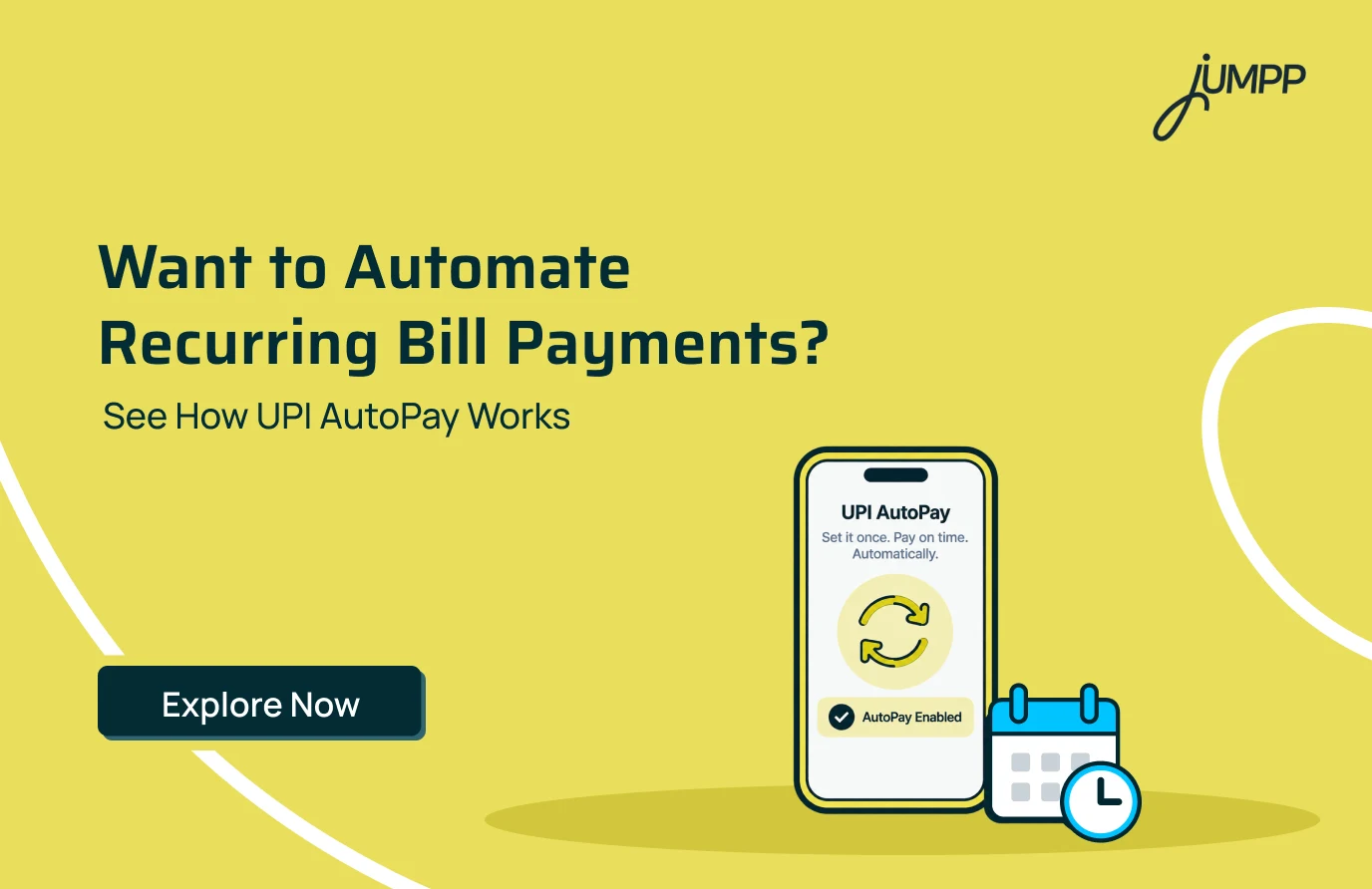
For recurring payments like these, UPI AutoPay lets you set up an authorised mandate so eligible payments can happen according to a chosen schedule.
In this blog, understand what UPI AutoPay is, how it works, its limits and charges, and how you can set up, manage or cancel it.
What Is UPI AutoPay?
UPI AutoPay is a feature that allows you to create an e-mandate for recurring payments through UPI. Once authorised, eligible payments can be automatically debited according to the amount, frequency and other conditions of the mandate.
It can be used for supported recurring payments such as:
- Mobile and electricity bills
- OTT and entertainment subscriptions
- Insurance premiums
- Mutual fund payments
- EMI and loan payments
- Other supported recurring payments
UPI Payment Failed, but Money Debited? Here’s What to Do
How Does UPI AutoPay Work?
UPI AutoPay works through a digital instruction called a UPI mandate. You authorise the mandate with your UPI PIN, after which eligible payments can be processed according to the schedule you approved.
The process generally works like this:
- Choose UPI AutoPay for a supported recurring payment.
- Select your UPI app or enter the required UPI details.
- Receive the mandate request in your UPI app.
- Check the amount, frequency and validity.
- Authorise the mandate using your UPI PIN.
- Eligible payments are processed on the scheduled dates.
How to Set Up UPI AutoPay?
You can set up UPI AutoPay when a merchant or service supports recurring UPI payments. The exact steps and labels can differ depending on the UPI app you use.
Generally, you can:
- Select UPI AutoPay while setting up the recurring payment.
- Choose your UPI app or linked account.
- Open the mandate request received in your UPI app.
- Review the amount and payment frequency.
- Check the mandate validity.
- Approve it using your UPI PIN.
- Confirm that the mandate is active.
Always check the mandate details before approving it.
What Is the UPI AutoPay Limit?
UPI AutoPay limits depend on the type of recurring payment. For most regular recurring payments, the limit is generally up to ₹15,000 per transaction without additional authentication.
For certain categories, such as mutual fund SIPs, insurance premiums and credit card bill payments, the limit can go up to ₹1 lakh per transaction without additional authentication, subject to applicable RBI rules.
For transactions above the permitted limit, you may need to complete additional authentication before the payment goes through.
Check UPI Transaction Limits for 2026!
Does UPI AutoPay Require a UPI PIN Every Time?
No, UPI AutoPay does not require your UPI PIN for every transaction. Once you set up and authorise a mandate, eligible recurring payments within the applicable limit can be debited automatically on the scheduled date.
You may need to enter your UPI PIN again if you create or modify a mandate, or if a transaction requires additional authentication under the applicable rules.
Are There Any UPI AutoPay Charges?
UPI AutoPay is generally free for users. You typically do not pay a separate charge for setting up, modifying or processing recurring payments through an AutoPay mandate.
However, any fee related to the underlying service or merchant may still apply, so it is worth checking the payment details before approving the mandate.
What Are UPI AutoPay Benefits?
UPI AutoPay can make recurring payments easier to manage by reducing the need to manually make the same payment repeatedly. You still retain control over the mandates you have authorised.
Here are some of the key benefits of doing automatic payments through UPI-
- Automates eligible recurring payments
- Reduces the need to remember every due date
- Helps manage subscriptions and regular bills
- Allows mandates to be viewed and managed digitally
- Supports different payment frequencies
- Provides notifications around applicable recurring debits
Explore the list of the countries where UPI Is accepted.
How to Cancel UPI AutoPay Online?
You can generally cancel or revoke an active UPI AutoPay mandate through the supported UPI app where you manage the mandate. The exact menu names and steps can differ between apps.
The process may look like this:
- Open your UPI app.
- Go to AutoPay, Mandates or a similar section.
- Select the active mandate.
- Review its details.
- Choose Cancel, Revoke or the available equivalent.
- Complete the required authentication.
- Check that the mandate status has been updated.
The e-mandate framework provides for an online facility to withdraw a mandate, although a transaction already in the processing pipeline can be an exception.
Where Can UPI AutoPay Be Used?
UPI AutoPay can be used wherever recurring UPI mandates are supported by the merchant and payment service. It is particularly useful for payments that occur regularly.
Common examples include:
- Utility bills
- OTT subscriptions
- Mobile bills
- Insurance premiums
- Mutual fund payments
- Loan or EMI payments
- Other subscription services
Things to Check Before Setting Up UPI AutoPay
Setting up AutoPay makes recurring payments convenient, but you should know exactly what you are authorising. A quick check of the mandate details can help you stay in control of future debits.
Check:
- Merchant name
- Amount or maximum amount
- Frequency
- Debit date
- Start and end date
- Linked bank account
- Cancellation conditions
- Mandate status
Make everyday UPI payments conveniently with jUMPP. You can also pay bills, track expenses and access other money-management features from a beginner-friendly UPI app in India!
Conclusion
Recurring payments are easier to manage when you know what is scheduled and when the money will be debited. UPI AutoPay provides a digital way to automate eligible payments while allowing you to manage the mandates you authorise.
FAQs
UPI AutoPay lets you automate eligible recurring payments through an authorised UPI mandate. Once you approve the mandate, payments can be debited automatically on the scheduled dates, subject to the amount, frequency and other conditions you accepted.
To set up UPI AutoPay, choose it as the payment option for a supported recurring bill or subscription, open the mandate request in your UPI app, review the details and authorise it with your UPI PIN.
UPI AutoPay uses UPI authentication and mandate controls, but you should still check the merchant name, amount, frequency and validity before approving a mandate. Never share your UPI PIN with anyone.
You can generally cancel a UPI AutoPay mandate from the AutoPay or Mandates section of your UPI app. Select the active mandate, choose the available cancel or revoke option and complete the required authentication.
If a UPI AutoPay payment fails, first check whether the amount was debited and review the transaction status. If it remains unresolved, contact your bank, UPI app or merchant using the transaction reference, where available.
A UPI AutoPay mandate is your digital authorisation for recurring payments from your linked bank account. It defines how and when the authorised payment can be processed.