What is a UPI ID? Here Is How India’s Most Used Payment System Actually Works
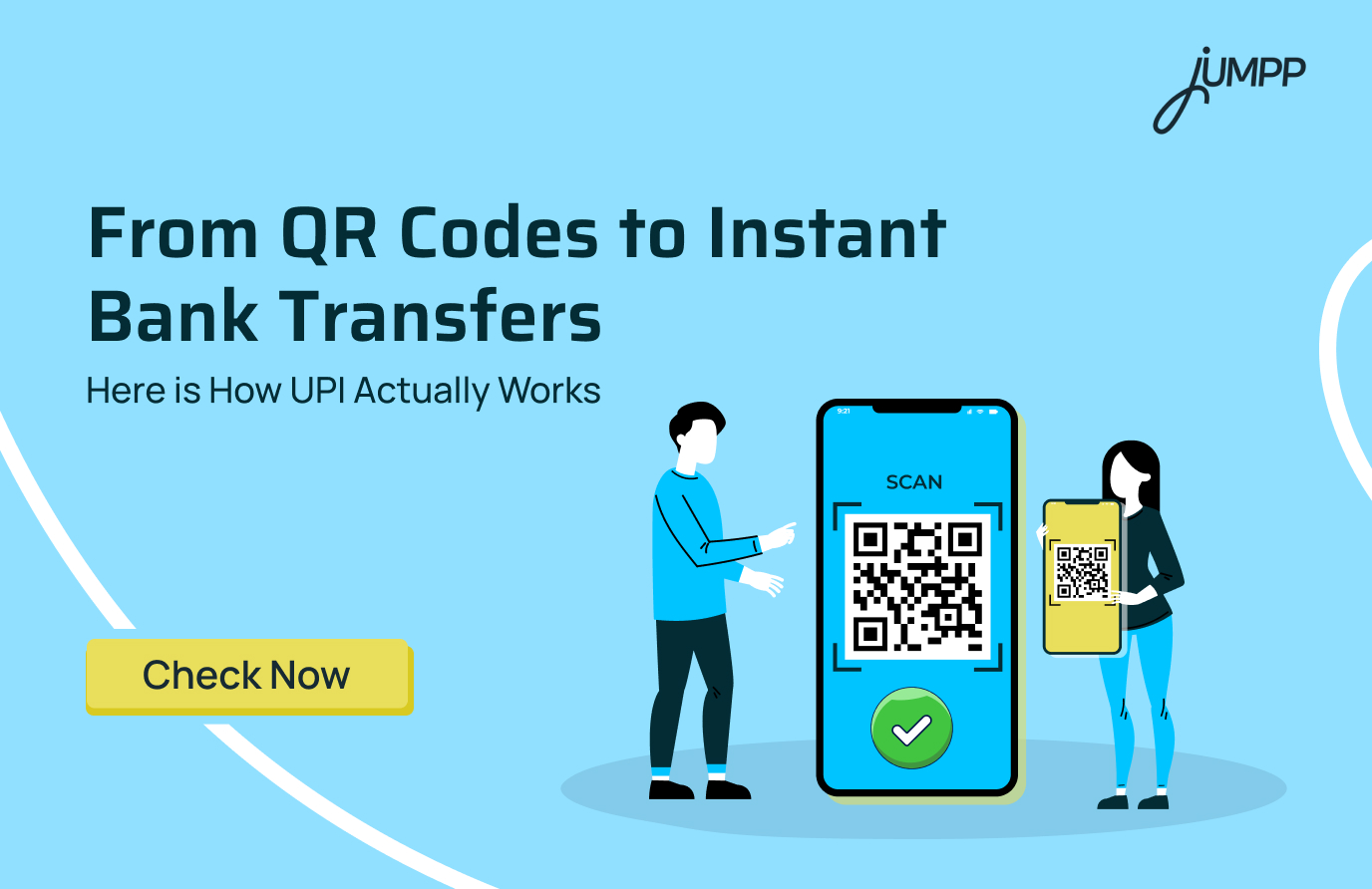
From ordering food to paying rent and splitting chai bills, UPI has become a part of everyday life in India. Most people use apps like Google Pay, PhonePe, and Paytm daily, yet many still do not fully understand what a UPI ID actually is. That small address ending with “@oksbi” or “@paytm” is what makes instant bank transfers possible without sharing account numbers or IFSC codes. In this blog, explore how UPI ID works as the core identity behind every transaction.
What is a UPI ID?
“A UPI ID, also called a Virtual Payment Address (VPA), is a unique payment identifier linked to the bank account that allows you to send and receive money instantly through UPI apps like Google Pay, PhonePe, and Paytm without entering your bank account number or IFSC code.”
How Does UPI Work?
Unified Payments Interface (UPI) allows users to send and receive money instantly between bank accounts through mobile apps.
Instead of entering bank account numbers and IFSC codes every time, UPI uses a unique UPI ID or QR code to process payments securely.
Step-by-Step Process of How UPI Works –
- The user opens a UPI-enabled app like Google Pay, PhonePe, Paytm, or BHIM.
- Then, the user enters the receiver’s UPI ID, mobile number, or scans a QR code.
- The payment amount is entered.
- The UPI ID owner authorises the transaction using a secure 4 or 6-digit UPI PIN.
- The app sends the payment request to NPCI, which securely connects the sender’s and receiver’s banks.
- The amount is transferred instantly from one bank account to another.
- Both users receive real-time payment confirmation within seconds.
For example, if a user wants to send ₹500 through Google Pay:
- They enter a UPI ID like rahul@oksbi
- Type ₹500
- Enter the UPI PIN
- The money gets transferred instantly to the receiver’s bank account.
What is a UPI Number?
A UPI number is a mobile-number-based identifier linked to a user’s Unified Payments Interface (UPI) account that allows people to send or receive money without entering bank account details or complex UPI IDs.
UPI ID Format
A UPI ID usually follows this format:
mobilenumber@bankname
or
username@upi
The part before “@” is your unique username or mobile-linked identity, while the part after “@” identifies the UPI provider or bank.
Example of UPI ID
Here are some common UPI ID examples used on popular apps:
| App | Example UPI ID |
| Google Pay | yourname@okhdfcbank |
| PhonePe | mobilenumber@ybl |
| Paytm | name@paytm |
| BHIM | mobilenumber@upi |
How to Register a UPI ID
Users can register a UPI ID through UPI-enabled apps like Google Pay, PhonePe, Paytm, BHIM, or their bank’s official mobile banking app.
Here are the steps to register a UPI ID –
- Download and open a UPI-enabled payment app.
- Enter the mobile number linked to your bank account.
- Verify the mobile number through SMS authentication.
- Select your bank from the available list.
- The app will automatically fetch the bank account linked to your mobile number.
- Create a unique UPI ID or Virtual Payment Address (VPA), such as:
- rahul@oksbi
- mobilenumber@ybl
- Set a secure UPI PIN using:
- The last six digits of your debit card
- Debit card expiry date
- OTP verification
- Once the PIN is created, the UPI ID becomes active for sending and receiving money instantly.
Things Required to Register a UPI ID
- An active bank account
- Registered mobile number linked to the bank account
- Debit card for PIN setup
- Smartphone with internet access
Know the difference between a debit card and a credit card!
How to Find UPI ID Number
Here are the ways to find the UPI ID number on the various apps –
- PhonePe: Open the app, tap your profile picture in the top-left corner, and check your UPI IDs under “Payment Methods”.
- Google Pay: Open the app, tap your profile picture in the top-right corner, select “Bank Account,” and choose your linked account to view your UPI ID.
- Paytm: Tap your profile icon in the top-left corner and check your profile screen to find your UPI ID.
- BHIM: Open the app and select “Profile” from the menu to view your UPI ID.
How to Change UPI ID on Google Pay
Users can add or switch between multiple UPI IDs linked to the same bank account in Google Pay.
Steps to Change UPI ID in Google Pay
- Open the Google Pay app.
- Tap your profile picture in the top-right corner.
- Select “Bank Account”.
- Choose your linked bank account.
- Tap “Manage UPI IDs”.
- Select an existing UPI ID or tap “Add” to create a new one.
- Verify your mobile number through SMS if required.
Google Pay allows users to create multiple UPI IDs for one bank account.
How to Change UPI ID in PhonePe
PhonePe allows users to create and manage multiple BHIM UPI IDs.
Steps to Change UPI ID in PhonePe
- Open the PhonePe app.
- Tap your profile icon in the top-left corner.
- Select “My BHIM UPI ID”.
- Tap “Add New BHIM UPI ID”.
- Enter your preferred new UPI ID.
- Tap “Continue” and complete verification.
- Set the new ID as primary if needed.
Users can also delete old UPI IDs that are no longer in use.
How to Change UPI ID in Paytm
Paytm allows users to change their primary UPI ID directly from settings.
Steps to Change UPI ID in Paytm
- Open the Paytm app.
- Tap your profile icon in the top-left corner.
- Go to “UPI & Payment Settings”.
- Select “Manage UPI IDs”.
- Tap the three-dot menu beside your current UPI ID.
- Select “Change Primary UPI ID”.
- Choose a new available UPI ID and confirm the change.
What are the Benefits of UPI?
UPI offers instant, secure, and convenient digital payments directly between bank accounts without needing to share bank details.
- Users can transfer money anytime, including weekends and bank holidays.
- Direct bank-to-bank transactions happen within seconds.
- Bank account numbers and IFSC codes do not need to be entered repeatedly.
- Secure authentication through a UPI PIN adds an extra layer of safety.
- QR code payments make shop and online transactions faster.
- Multiple payment apps like Google Pay, PhonePe, and Paytm support UPI transactions.
- Real-time payment alerts help users track transactions instantly.
- Utility bills, mobile recharges, subscriptions, and online purchases can all be paid through UPI.
Understanding the difference between MPIN and UPI PIN can help users avoid transaction mistakes and use digital banking more securely.
Disclaimer– The rankings and figures in this article have been compiled from multiple verified reports, credible news sources, and public financial data available as of 2026.
All values are approximate and may vary with newer updates, revisions, or changes in official records.
UPI ID – FAQs
A UPI ID is a unique payment address linked to a bank account that allows users to send and receive money instantly through UPI apps. For example, rahul@paytm, priya@ybl, and 9876543210@oksbi are common UPI ID formats.
The standard UPI transaction limit in India is generally ₹1 lakh per day for most users and transactions, although limits may vary depending on the bank, app, and transaction category.
Your UPI ID name is the unique payment address linked to your bank account on a UPI-enabled app. It usually appears in formats like yourname@bankname or mobilenumber@upi.
Users can get a UPI ID by registering on a UPI-enabled app like Google Pay, PhonePe, Paytm, or BHIM using the mobile number linked to their bank account.
No, a UPI ID is not the same as a bank account number. A UPI ID works as a virtual payment address that allows users to send or receive money without sharing bank account details or IFSC codes.
No, a UPI ID is not always a phone number. Some UPI IDs may include a mobile number, such as 9876543210@upi, while others can use custom names like reema@paytm.
UPI is the digital payment system that enables instant bank-to-bank money transfers, while a UPI ID is the unique payment address used to send or receive money through the UPI system.
A UPI reference number is a unique number generated for every successful UPI transaction that helps users track and verify payments.
A UPI transaction ID is a unique identification number assigned to every UPI payment to help identify and track a specific transaction.
Users can create a UPI ID by downloading a UPI-enabled app, registering their bank-linked mobile number, selecting their bank account, and setting a UPI PIN through debit card verification.