How to Reset EPFO Password and Recover UAN Access in Minutes
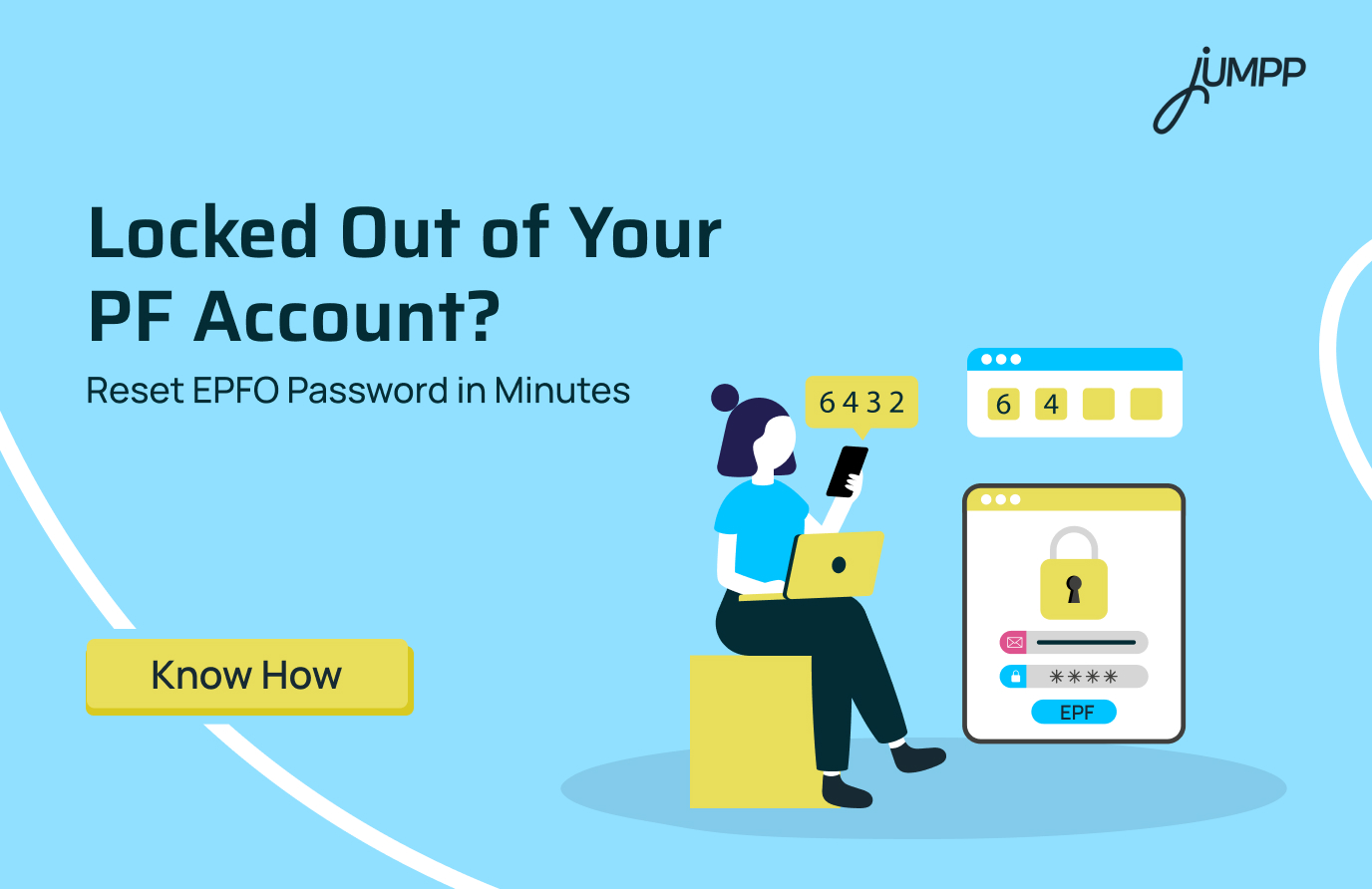
Your UAN and EPFO passwords are essential to access your PF account online. If you have forgotten your login credentials or want to change your password, the EPFO Member e-Sewa Portal allows a secure reset using Aadhaar-based OTP verification. In this blog, learn how to reset the EPFO password step by step.
What is the UAN Password?
It is the password you create to log in to your EPF account on the EPFO Member e-Sewa Portal.
- UAN password is used to access your PF account
- It is created during UAN activation.
- EPFO password or UAN password helps check balance, download passbook, and manage funds.
- It should be kept secure and never shared.
- You can reset your EPFO password using OTP on your registered mobile number.
UAN Password / EPFO Password Format
Length must be 8 to 25 characters
- EPFO password must include:
– At least one uppercase letter (A to Z)
– At least one lowercase letter (a to z)
– At least one number (0 to 9)
– At least one special character (! @ # $ % etc.) - Often requires a minimum of 4 alphabets and 2 digits
- Password is case-sensitive
Quick Steps to Check Aadhaar Update Status!
What if I Forgot My UAN Password
To reset a forgotten UAN password, visit the EPFO Member e-Sewa portal, click “Forgot Password,” and enter your UAN and captcha. Verify your identity with personal details (name, DOB, gender) and your Aadhaar-linked mobile number to receive an OTP, which allows you to create a new password
How to Reset EPFO Password
To reset your EPFO (UAN) password, you need to go to the EPFO Member e-Sewa Portal and follow the process mentioned below.
Here are the steps for EPFO login password reset:
Step 1. Go to the portal
Open the EPFO Member e-Sewa login page.
Step 2. Click “Forgot Password”
You will find this option below the login box.
Step 3. Enter your UAN and captcha
Fill in your Universal Account Number and the captcha code.
Step 4. Verify your identity
Enter your name, date of birth, and gender as per EPFO records.
Step 5. OTP verification
- OTP is sent to your Aadhaar-linked mobile number
- Enter the OTP to proceed
Step 6. Set a new password
Create a new password and confirm it.
Requirements for EPFO Password Reset
Before resetting your EPFO password on the EPFO Member e-Sewa Portal, make sure these conditions are met:
- Active UAN
Your Universal Account Number must be activated to proceed with the EPFO password reset
- UAN linked with Aadhaar
Your UAN should be connected to your Aadhaar for identity verification during the EPFO password reset process
- Aadhaar-linked mobile number
Your registered mobile number must be linked with Aadhaar to receive the OTP required for EPFO password reset
Also read- How to Check Aadhaar Address Update Status
Disclaimer– The rankings and figures in this article have been compiled from multiple verified reports, credible news sources, and public financial data available as of 2026.
All values are approximate and may vary with newer updates, revisions, or changes in official records.
EPFO Password Reset – FAQs
You can reset your EPFO password online by clicking on “Forgot Password” on the UAN portal, entering your UAN and captcha, verifying your identity through OTP sent to your registered mobile number, and then setting a new password.
Yes, you can reset your PF password without the old one by using the “Forgot Password” option and verifying your details through OTP and KYC information.
An EPFO password reset is usually instant after OTP verification, but in some cases, it may take a few hours for the new password to start working across all systems.
Your EPFO login ID is your UAN, and your password is created when you activate your UAN or reset it through the “Forgot Password” option.
You cannot download your EPFO password, as for security reasons, EPFO does not store or display passwords and only allows you to reset them.
Yes, the EPFO member login and passbook password are the same, and any change in password applies to both.
The UAN is a 12 digit unique number assigned to every EPFO member, and the password is used to log in and access services like passbook, claims, and profile details.
You can send an SMS in the format “EPFOHO UAN ENG” to 7738299899 from your registered mobile number to receive PF details, where ENG can be replaced with your preferred language.
You can solve the invalid UAN password issue by resetting your password, checking for typing errors, ensuring there are no extra spaces, waiting a few hours after resetting, or trying a different browser if the issue persists.