MMID in Bank: Full Form, How It Works and How to Get an MMID Number
When you need to transfer money through a bank, you may be asked for the beneficiary’s account number and IFSC code. However, IMPS also introduced a mobile-based method that uses a registered mobile number and an MMID to identify the beneficiary for an eligible fund transfer.
In this blog, understand the purpose of MMID in banking.
What is MMID in a Bank?
The MMID full form is Mobile Money Identifier.
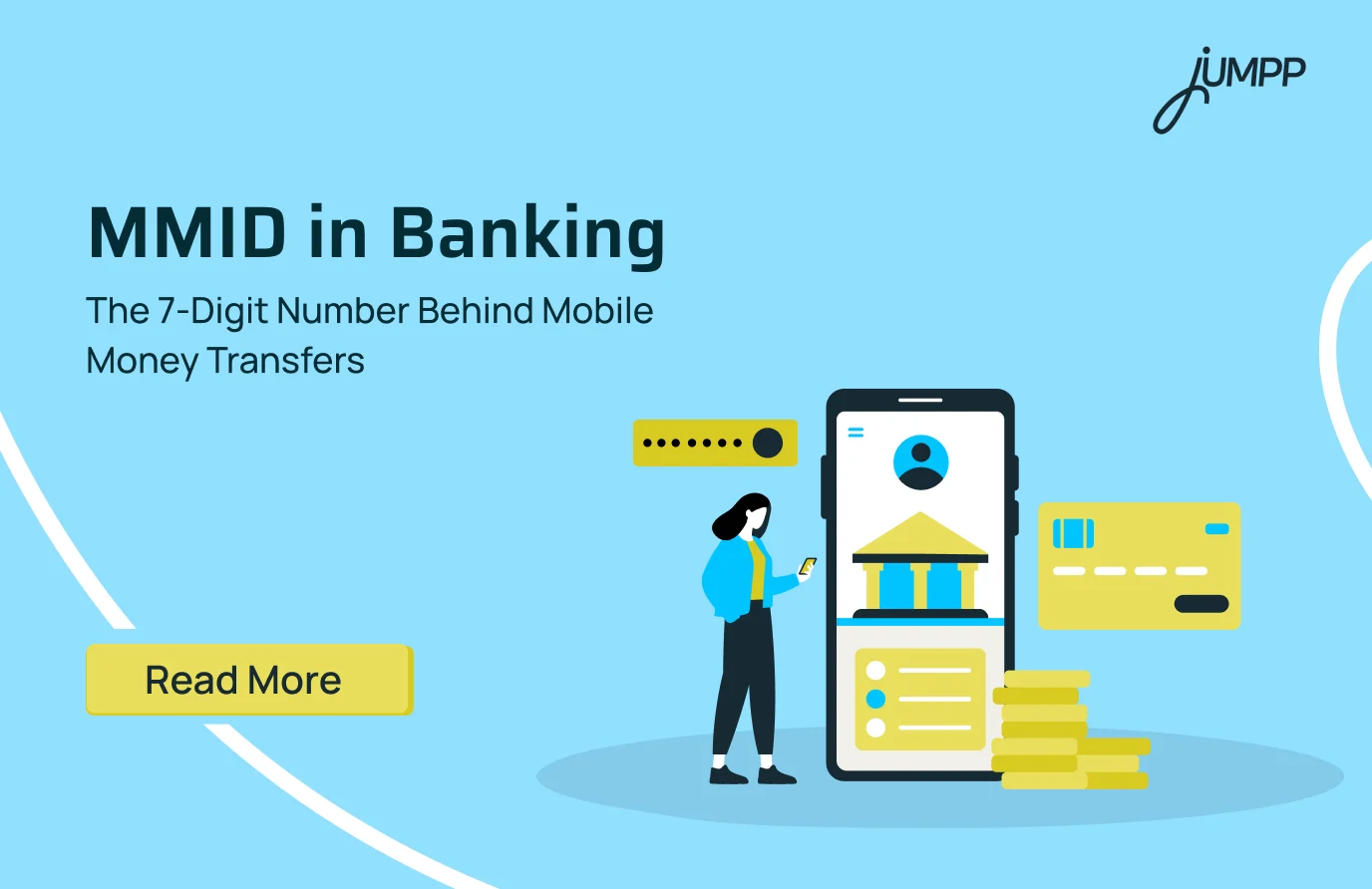
It is a 7-digit Mobile Money Identifier issued by a bank and used with a registered mobile number for eligible IMPS fund transfers. It provides a mobile-based way to identify the beneficiary without requiring the sender to enter the recipient’s complete bank account number and IFSC code.
MMID Example
For example, an MMID could look like 7624518.
If you want to receive money through an eligible MMID-based IMPS transfer, you would share your registered mobile number and MMID with the sender.
How Does MMID Work?
MMID works by combining a beneficiary’s 7-digit Mobile Money Identifier with their registered mobile number to support eligible IMPS fund transfers.
The process usually works as follows:
- The bank issues the MMID: The customer obtains an MMID for an eligible bank account through the bank’s available mobile banking or IMPS services.
- The beneficiary shares the required details: The sender receives the beneficiary’s registered mobile number and MMID.
- The sender initiates an IMPS transfer: The sender selects the Mobile Number and MMID transfer option through their bank’s authorised banking channel.
- The transaction is authenticated: The sender enters the transfer amount and completes the required security verification.
- The money is processed through IMPS: Once the details and transaction are successfully validated, the funds are processed and credited to the beneficiary’s eligible account.
In simple terms, MMID acts as a mobile-based beneficiary identifier within the relevant IMPS transfer process.
IMPS VS RTGS VS NEFT – Explore Now!
How to Find or Get an MMID Number
You can find or get your 7-digit MMID through your bank’s authorised mobile banking, internet banking or other available banking channels. The exact process depends on your bank and whether it currently offers MMID-based services for your account.
Before you begin, make sure the mobile number linked to your bank account is active and registered with the bank. MMID-based transfers are associated with the customer’s registered mobile number, so this detail is essential for the service.
Get an MMID Number Through Your Bank’s Mobile App
Your bank’s official mobile banking app is often the easiest place to check for an existing MMID or request one.
- Log in to your bank’s official mobile banking app.
- Go to the Fund Transfer, IMPS, Mobile Banking, or Account Services section.
- Look for an option related to MMID, Mobile Money Identifier, or IMPS beneficiary services.
- Select the relevant account, if prompted.
- View your existing MMID or follow the instructions to generate one, where the facility is available.
The exact menu names can differ between banking apps.
Get an MMID Number Through Internet Banking
You may also be able to access MMID-related services through your bank’s official internet banking portal.
- Log in to your bank’s official internet banking platform.
- Navigate to the IMPS, Mobile Banking, Fund Transfer, or Profile Services section.
- Look for an option to view or generate an MMID.
- Select the relevant bank account and complete any required verification.
- Follow the on-screen instructions to access your MMID.
Get an MMID Number Through SMS Banking
Some banks may offer MMID-related services through SMS banking, which can be useful when you do not have access to mobile internet.
The SMS format, service number and availability vary between banks. Always check your bank’s official website, mobile banking application or customer support channel for the correct and current instructions before sending an SMS request.
Get an MMID Number Through an ATM or Bank Branch
Depending on the bank, you may also be able to access mobile banking or MMID-related services through an ATM or by visiting a bank branch.
At an eligible ATM, look for options related to Mobile Banking, IMPS or Other Services. If MMID services are available, follow the instructions shown on the screen.
You can also contact your bank’s customer support team or visit a branch to confirm whether your account is eligible and how to obtain an MMID.
Want to explore more SMS-based banking services? Learn how IPPB SMS missed call banking works and how you can use it for convenient banking services.
How to Transfer Money Using MMID
To transfer money using MMID, select the eligible IMPS Mobile Number and MMID transfer option, enter the beneficiary’s registered mobile number and 7-digit MMID, add the amount, and complete the required authentication.
The exact process can differ between banks, but it generally involves the following steps:
- Log in to your bank’s official mobile banking app or another authorised banking channel.
- Select the IMPS Fund Transfer option.
- Choose the Mobile Number and MMID method, if available.
- Enter the beneficiary’s registered mobile number and 7-digit MMID.
- Enter the amount you want to transfer and review the transaction details.
- Complete the required authentication, such as an MPIN, OTP, or another bank-approved security method.
- Check the transaction status and save the transaction reference number.
Always verify the beneficiary details before authorising the transaction. Banking applications and processes may vary, so follow the instructions displayed by your bank.
Benefits and Uses of MMID in Banking
The main use of MMID is to support mobile-based IMPS fund transfers by helping identify the beneficiary through their registered mobile number and MMID.
Its key benefits include:
- Simpler beneficiary details: An eligible transfer can use a mobile number and MMID instead of requiring the sender to enter a complete bank account number and IFSC code.
- Mobile banking convenience: MMID was specifically designed to support mobile-initiated banking transactions.
- Instant transfer capability: IMPS enables prompt fund transfers, subject to successful transaction processing and the applicable banking systems.
- Reduced sharing of account information: The beneficiary may not need to provide their complete bank account number when the Mobile Number and MMID method is available.
- Part of India’s digital banking evolution: MMID helped make mobile-based instant transfers more accessible before UPI became the preferred option for many everyday payments.
MMID Charges
Banks may apply different policies and charges for MMID-related services and IMPS fund transfers. There may not be a separate charge for simply viewing or generating an MMID, but charges for sending money through IMPS can depend on the bank, transaction amount and transfer channel.
Always check your bank’s latest schedule of charges before making a transfer, as fees and policies can change.
MMID and IMPS: What Is the Connection?
MMID is used as part of a mobile-based method for initiating eligible IMPS fund transfers. IMPS, or Immediate Payment Service, enables electronic fund transfers between participating banks through different available transfer methods.
For account-based transfers, the sender may use the beneficiary’s:
- Bank account number
- IFSC code
For the Mobile Number and MMID method, the sender may use the beneficiary’s:
- Registered mobile number
- MMID
Here is the detailed difference between MMID and IFSC.
| Basis | MMID | IFSC |
| Full form | Mobile Money Identifier | Indian Financial System Code |
| Format | 7-digit numeric code | 11-character alphanumeric code |
| Main use | Mobile Number and MMID method for eligible IMPS transfers | Account number-based electronic transfers |
| Used with | Registered mobile number | Bank account number |
| Transfer relevance | IMPS | NEFT, RTGS, and account-based IMPS transfers |
The choice between MMID and IFSC depends on the fund transfer method supported and selected through your bank.
Manage Payments with jUMPP
UPI has made sending and receiving money simpler, but everyday money management goes beyond payments. With jUMPP, you can use UPI for everyday transactions while accessing other financial services in one place.
With jUMPP, users can:
- Send and receive money through UPI.
- Scan QR codes and make payments.
- Open a zero-balance savings account with YES Bank.
- View balances across linked bank accounts through account aggregation.
- Invest in digital gold and mutual funds.
- Pay bills and recharge mobile connections.
- Track expenses and create budgets with jAI-powered insights.
By bringing payments, banking, investments, and money management together, jUMPP helps you manage more of your finances from a single app.
Make payments and manage your money in one place. Download jUMPP and get started.
Disclaimer- The rankings and figures in this article have been compiled from multiple verified reports, credible news sources, and public financial data available as of 2026.
All values are approximate and may vary with newer updates, revisions, or changes in official records.
FAQs
MMID is a unique 7-digit number issued by a bank for IMPS transactions linked to a registered mobile number.
MMID stands for Mobile Money Identifier. It helps identify a bank account for certain mobile-based IMPS transfers.
For an MMID-based IMPS transfer, the sender enters the receiver’s registered mobile number and MMID. The details are used to route the money to the linked bank account.
You can usually generate or request an MMID through your bank’s mobile banking, internet banking, SMS service, or branch. Available methods vary by bank.
You may find your MMID in your bank’s mobile or internet banking service. Some banks also allow you to retrieve it through SMS or customer service.
No. MMID is mainly used for certain IMPS transfers and is not required for every mobile banking transaction.
MMID is a 7-digit identifier used with a mobile number for certain IMPS transfers. An IFSC is an 11-character code that identifies a bank branch for payment systems such as NEFT, RTGS, and IMPS.
Yes. You can use other available transfer methods, such as account number and IFSC, UPI or other bank-supported options.
Yes, MMID-based IMPS transfers may still be supported by banks. However, availability and the process can differ from one bank to another.
The process depends on your bank. Check your bank’s mobile or internet banking service or contact the bank for the available cancellation or regeneration options.