How to Download RC Online via Parivahan, mParivahan and DigiLocker
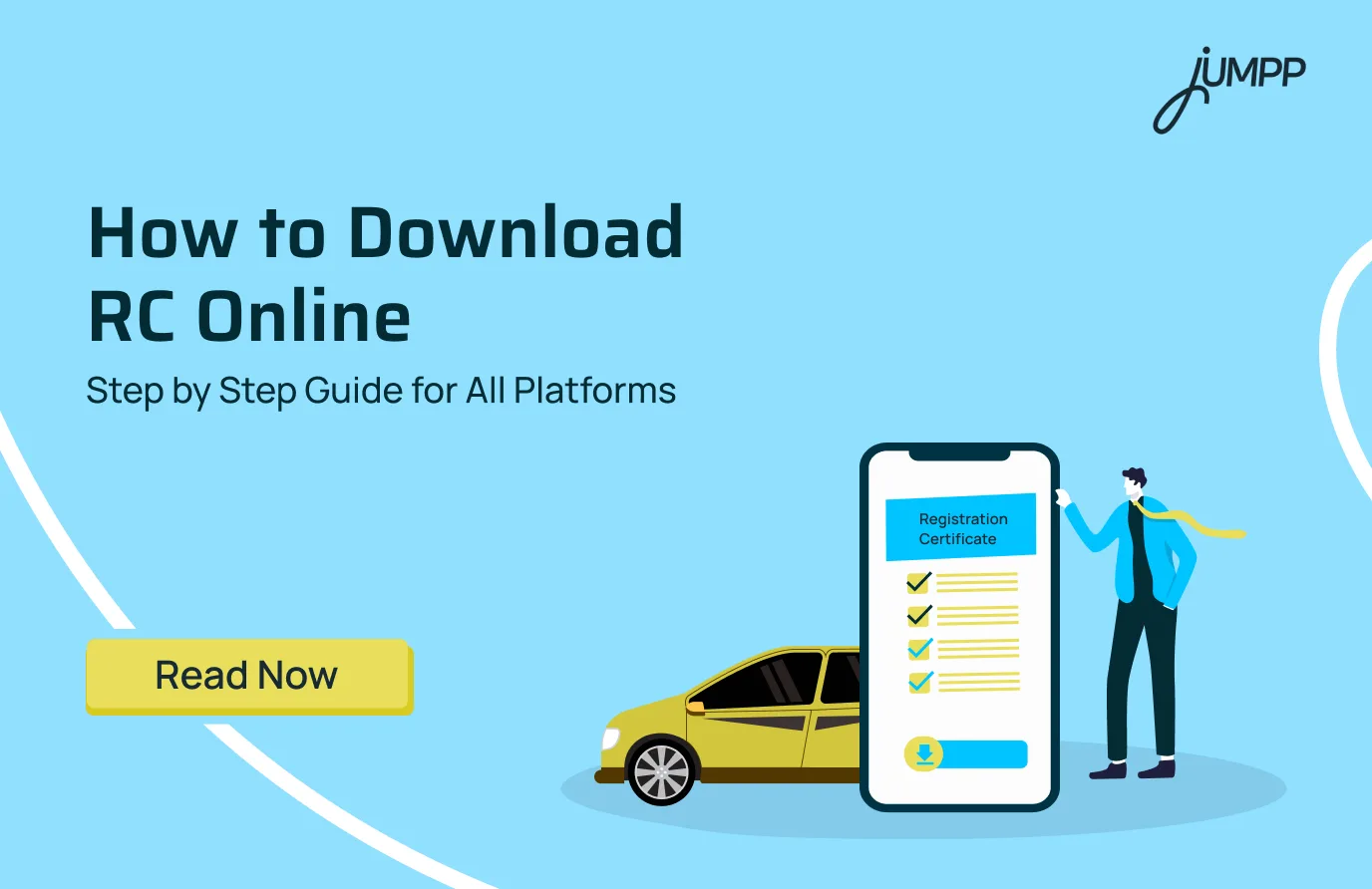
Losing or not carrying your RC is no longer a problem because everything has moved online. Today, you can download your virtual RC within minutes using official government platforms without visiting the RTO.
What is virtual RC?
A virtual RC is an electronically stored Registration Certificate of a vehicle that can be accessed through government apps like mParivahan or DigiLocker. It is legally valid across India and can be shown during traffic checks instead of carrying the physical RC.
- It contains the same details as the physical RC, such as vehicle number, owner name, registration date, and engine details
- It comes with a QR code for real-time verification by authorities
- It is accepted under the Ministry of Road Transport and Highways guidelines
- It reduces the risk of losing or damaging physical documents
- It can be accessed anytime on your mobile phone
Here are the different ways to get RC online:
How to download RC online in India
Downloading your vehicle Registration Certificate (RC) is now fully digital and can be done in a few minutes through official government platforms.
How to download RC from Parivahan (step by step)
The most reliable way is through the Parivahan Sewa portal.
Follow these steps:
- Visit the official Parivahan Sewa website
- Click on Services and select Vehicle Related Services
- Choose your state of registration
- Click on Print Registration Certificate / Download Document
- Enter your vehicle registration number
- Enter the last 5 digits of the chassis number
- Complete OTP verification
- Download your digitally signed RC PDF
How to download RC from the mParivahan app
You can also access your RC instantly via the mParivahan app.
Steps:
- Install the app from the Play Store or App Store
- Sign up using your mobile number
- Add your vehicle using the registration number
- Enter chassis or engine number details
- View and download your digital RC
Can you download RC from DigiLocker?
Yes, the DigiLocker app also allows RC access.
Steps:
- Log in to DigiLocker
- Search for Vehicle Registration Certificate
- Enter vehicle details
- Fetch and save your RC document
Before you rely only on your RC for vehicle safety, understand how motor insurance actually protects you from financial loss.
Charges for Downloading RC Online
Downloading RC online is free. You can access your virtual RC through Parivahan Sewa, mParivahan, or DigiLocker without paying any charges.
When do you have to pay for RC?
You only pay fees when applying for a duplicate RC or physical smart card, not for downloading the digital version.
Typical charges include:
- Two wheeler: ₹150 to ₹200
- Car (Non transport LMV): ₹300 to ₹400
- Commercial vehicles: ₹500 to ₹750
- Imported vehicles: ₹1250 to ₹2500
- Smart card fee: Extra, based on state
Can you download RC without paying anything?
Yes, downloading a virtual RC is completely free and legally valid across India.
If you are already keeping track of documents like RC, it is equally important to stay on top of your financial obligations. Learn a quick way to pay your credit card bill form another credit card.
Disclaimer– The rankings and figures in this article have been compiled from multiple verified reports, credible news sources, and public financial data available as of 2026.
All values are approximate and may vary with newer updates, revisions, or changes in official records.
Downloading Virtual RC – FAQs
You can download your RC book online through the Parivahan Sewa portal, mParivahan app, or DigiLocker by entering your vehicle number and completing OTP verification.
You need your vehicle registration number, the last 4 to 5 digits of the chassis number, and an OTP sent to your registered mobile number.
No, OTP verification is mandatory to ensure secure access to your vehicle documents.
Yes, you can check RC status and basic vehicle details through platforms like CarInfo or government portals before downloading the official document.
You will not be able to download the RC online. You need to update your mobile number with the RTO records first.
Yes, virtual RC is completely free on DigiLocker and mParivahan.
Yes, you can collect the physical RC from the RTO after registration or apply for a duplicate RC if required.
Yes, digital RC is legally valid across India and accepted during traffic checks.
Visit your local RTO, submit the required documents, and apply for a new or duplicate RC.
No, a smart card RC is not free, and charges vary based on vehicle type and state.
You can download the RC PDF through Parivahan Sewa, DigiLocker, or mParivahan by entering vehicle details and verifying via OTP.
Install DigiLocker or mParivahan, add your vehicle using the registration number, and access your RC instantly.
You have to open Parivahan services, select vehicle-related services, enter your registration number, verify via OTP, and download the RC.
You must visit Parivahan, select Gujarat RTO, enter vehicle details, complete OTP verification, and download your RC online.