How to Check Loan on PAN Card: Find All Loans in Your Name Easily
What if there is a loan in your name that you never took?
It sounds unlikely, but cases of unauthorised loans and identity misuse are rising in India. Since your PAN card is linked to every loan you take, it becomes the single point where all your credit activity is recorded.
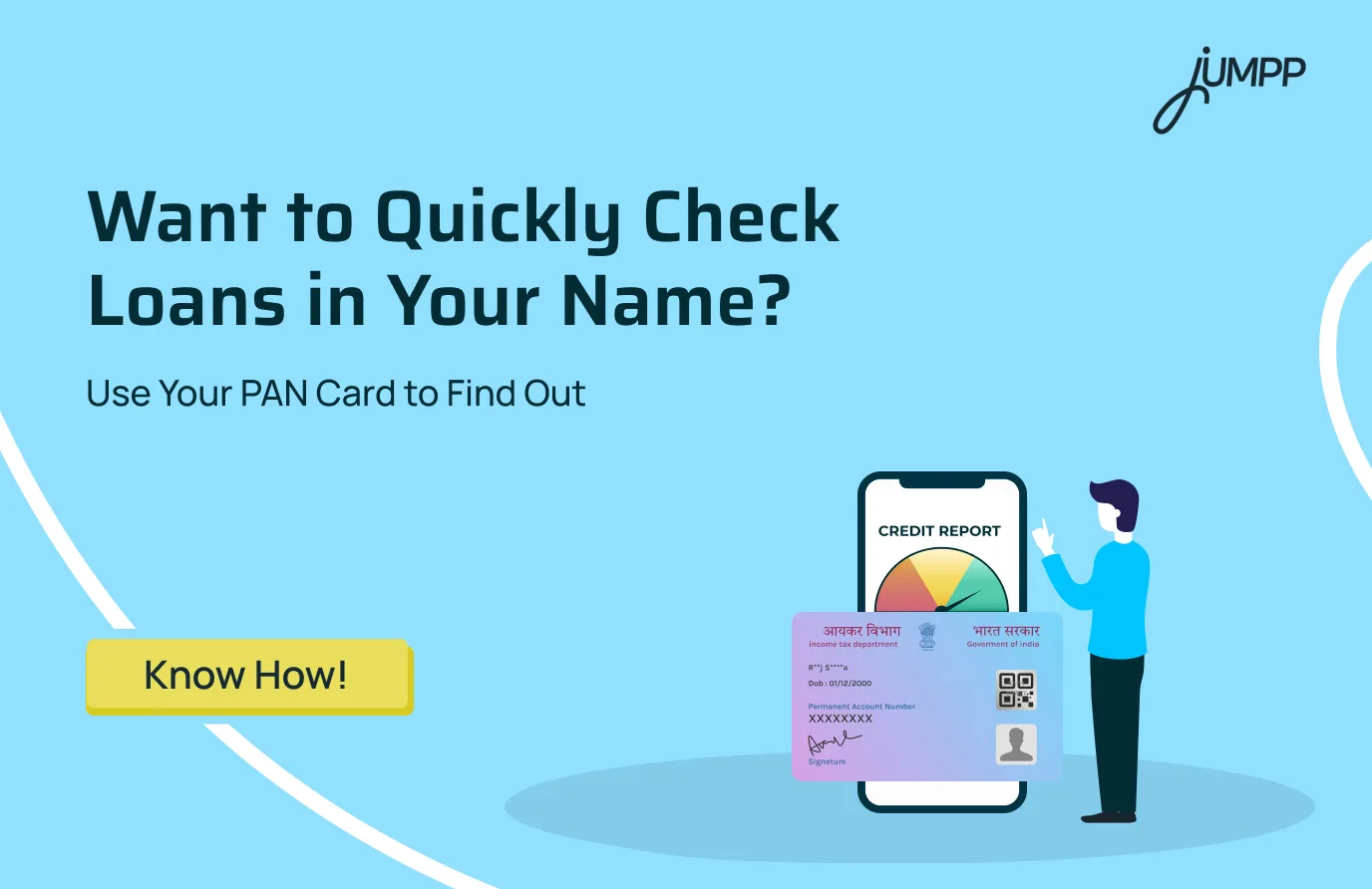
If you have ever wondered how to check a loan on a PAN card, the answer lies in your credit report.
How to Check a Loan on a PAN Card
You can check all loans linked to your PAN card by downloading your credit report from CIBIL, Experian, Equifax, or CRIF High Mark. This report shows all active and closed loans, along with their status and repayment details.
In India, you cannot access loan details using only a PAN card directly. Instead, your PAN acts as an identifier that helps credit bureaus fetch your complete credit history.
Under RBI regulations, all banks and NBFCs are required to report loan data to credit bureaus. This ensures that your credit report provides a comprehensive record of every loan associated with your PAN.
What are the Different Ways to Check Loans on a PAN Card
There are three main ways to check loans linked to your PAN card: credit bureau reports, fintech apps, and lender platforms.
1. Credit Bureau Report
- Covers all loans linked to your PAN
- Includes CIBIL, Experian, Equifax, and CRIF High Mark
- Free report available once a year
You can get one free credit report annually from each major bureau in India.
A. TransUnion CIBIL
- Click on “Get Free CIBIL Score and Report”
- Register using PAN, name, and date of birth
- Verify identity through OTP
- Go to the Accounts section to see all loans and their status
Do not have a strong credit score yet? Learn how to get a credit card without a CIBIL score and start building your credit profile the right way.
B. Experian India
- Enter your mobile number and verify via OTP
- Add PAN and personal details
- Check the Credit Accounts section for active and closed loans
C. Equifax and CRIF High Mark
- Register on official websites
- Complete verification through OTP or security questions
- Access the full loan history linked to your PAN
2. Fintech Apps (Real Time Tracking)
- Sign up using PAN and mobile number
- View loans under the credit or loans section
These apps show total outstanding, EMIs, and credit insights.
3. Banking and NBFC Platforms
- Log in via mobile or net banking
- Check loan details under the Loans section
- Track application status using PAN and mobile number
How to Know How Many Loans You Have
You can see how many loans you have by checking your credit report linked to your PAN, which lists all active and closed accounts.
Your report will include:
- Personal loans
- Home loans
- Credit cards
- Business loans
- Buy now, pay later accounts
Each entry clearly shows the lender name, loan amount, and current status.
What Loan Details You Can See
Once you access your report or app, you will see:
- Loan count showing all active and closed accounts
- Lender identity, including bank or NBFC name
- Account status, such as active, closed, settled, or written off
- Repayment track showing monthly payment behaviour
- Outstanding amount, including balance and overdue
Can You Check CIBIL Score Using PAN?
Yes.
Your PAN is required to access your CIBIL score, which reflects your credit behaviour.
- Score range: 300 to 900
- A score above 750 is generally considered good
Your credit score report also shows:
- Active loans
- Credit utilisation
- Repayment history
Why PAN is Important for Loan Tracking
PAN is used by lenders to verify your identity and fetch your credit history before approving any loan or credit card.
PAN is mandatory for:
- Loan approvals
- Credit card issuance
- Reporting to credit bureaus
This ensures every loan you take is linked to your PAN, making it the central point for tracking your credit activity.
What If You See a Loan You Did Not Take?
If you see a loan you did not take on your credit report, it may indicate identity misuse or fraud. You should act immediately to prevent further damage to your credit score and financial records.
Follow these steps:
1. Report the issue to the lender immediately
Contact the bank or NBFC that issued the loan and inform them that the account is not yours. Request loan documents and ask for a written confirmation, such as a No Objection Certificate (NOC).
2. Raise a dispute with credit bureaus
Report the incorrect loan to CIBIL, Experian, Equifax, or CRIF High Mark. You can raise a dispute online to get the entry investigated and corrected.
3. File a cybercrime complaint
Report the case on the National Cyber Crime Portal or call the helpline (1930). You can also file a police complaint or FIR for documentation.
4. Secure your financial accounts
Inform your bank about the issue and change passwords for your banking apps, email, and financial accounts to prevent further misuse.
5. Monitor your credit report regularly
Check your credit report for the next few months to ensure no additional unauthorised loans appear.
Found errors, unexpected loans, or a low score in your report? Learn how to increase your CIBIL score quickly and improve your chances of getting approved for future credit.
Quick Takeaway
- You cannot check loans using only the PAN directly
- Use PAN to access your credit report
- Your credit report shows all loans in one place
- Regular checks help you avoid fraud and manage finances better
Want instant access to credit without the usual delays? Try this personal loan app!
With jUMPP, you can get pre-approved loans up to ₹51,000, enjoy collateral-free borrowing, and receive quick disbursal with no hidden charges. Download the app now!
Disclaimer– The rankings and figures in this article have been compiled from multiple verified reports, credible news sources, and public financial data available as of 2026.
All values are approximate and may vary with newer updates, revisions, or changes in official records.
PAN, Loans, and CIBIL Score (India 2026)- FAQs
No, a score of 700 is considered fair to good in India. You can get loans, but the best interest rates are usually offered to scores above 750.
You can check all loan details through your credit report from CIBIL, Experian, or Equifax, or by logging into your lender’s mobile or net banking account.
You can check loan details through your PAN card by accessing your credit report or logging into your lender’s website, or using fintech apps. These platforms show your loan type, lender name, outstanding amount, EMI details, loan status, and repayment history in one place.
Yes, you can check your loan status using your PAN card through your credit report or the lender’s website or app. Your credit report shows all loans linked to your PAN, while lender platforms help you track specific loan details.
Yes, PAN is mandatory for loan applications in India as it helps lenders check your credit history and eligibility, but it is not a loan product itself.
A score below 650 is generally considered poor and may lead to loan rejection or higher interest rates. Scores below 550 indicate high credit risk.
Yes, you can verify PAN details through the Income Tax e-filing portal. To check loans linked to your PAN, you need to access your credit report.