MPIN Full Form: Meaning, Uses, and How It Works in Banking
There was a time when banking meant standing in queues, filling forms, and waiting for approvals. Today, most transactions happen within seconds on a mobile screen. But behind this convenience lies one small detail that controls everything you do with your money, your MPIN. What is MPIN’s full form, and why is it important?
What is MPIN Full Form?
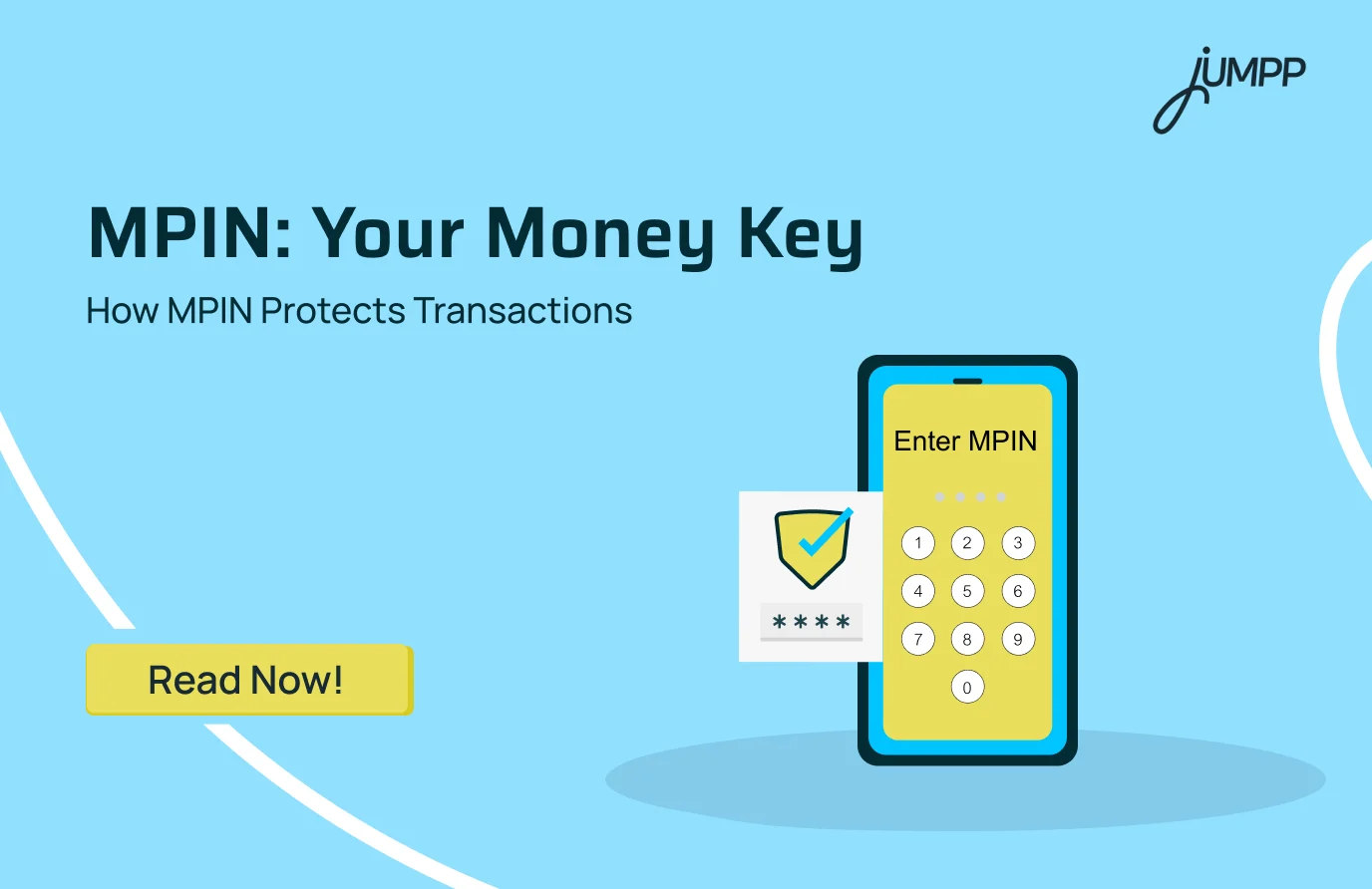
MPIN full form is Mobile Personal Identification Number. It is a 4 or 6-digit secret code used to authorise transactions in mobile banking.
What is MPIN in a bank?
An MPIN in banking is a secure code used to verify and approve transactions on a bank’s mobile banking services.
It is issued or created by your bank and acts as a transaction authentication tool whenever you use mobile banking.
What are the Uses of MPIN in a Bank
MPIN is used to authenticate and approve mobile banking transactions, ensuring secure access and authorised financial activities on your phone.
- Fund Transfers
It is used to approve money transfers through mobile banking apps such as IMPS, NEFT, or internal bank transfers. Every time you send money, the transaction is completed only after MPIN verification.
Also read – IMPS vs NEFT vs RTGS
- Bill Payments and Recharges
It is required to confirm payments like electricity bills, mobile recharges, and subscription services. Before the payment is processed, the system asks for MPIN as a final verification step. This prevents unauthorised payments and keeps your account secure during routine transactions.
- Log in to Mobile Banking
It is used by many banks as a secure way to log in to their mobile banking apps. Instead of remembering complex passwords, users can access their accounts quickly using MPIN. This balances convenience with security, especially for frequent banking usage.
- Balance Check and Account Services
It is used to access account-related information such as balance, mini statements, and transaction history. Even for non-financial services, MPIN may be required to verify the user’s identity. This ensures that sensitive financial information remains protected at all times.
- USSD Banking (*99#)
It is used in offline banking services where internet access is not required. Users can dial *99# on their phone to access banking features on basic devices. MPIN is then used to authenticate and complete these transactions securely.
- Transaction Authentication
It acts as the final approval step for all mobile banking activities. Even if someone has access to your phone, they cannot complete any transaction without entering the correct MPIN.
Know the quick steps to link your PAN card with your bank account!
How to Generate MPIN in India
You can generate an MPIN in India through your bank’s mobile banking app, UPI app, ATM, or USSD service by verifying your identity using debit card details and an OTP, then setting a 4 or 6-digit PIN.
- Via Bank Mobile Banking App
Step 1: Open your bank’s official mobile banking app and log in using your credentials.
Step 2: Go to the settings or security section and select the option to generate or reset MPIN.
Step 3: Verify your identity using an OTP or debit card details.
Step 4: Set your new 4 or 6 digit MPIN and confirm it.
- Via UPI App
Step 1: Open a UPI app like Google Pay, PhonePe, or BHIM and go to the bank account section.
Step 2: Select your linked bank account and choose the option to set or reset PIN.
Step 3: Enter your debit card details, such as the last six digits and expiry date.
Step 4: Enter the OTP received and create your new MPIN.
- Via ATM
Step 1: Visit your bank’s ATM and insert your debit card.
Step 2: Select the option for mobile banking or MPIN generation on the screen.
Step 3: Complete the verification process as instructed.
Step 4: Set and confirm your MPIN.
How to Change MPIN in India
You can change your MPIN in India through your bank’s mobile banking app, UPI app, ATM, or USSD service by entering your existing PIN, verifying your identity, and setting a new 4 or 6 digit MPIN.
- Via Mobile Banking or UPI App
Step 1: Open your bank’s mobile app or UPI app like Google Pay, PhonePe, or BHIM and log in.
Step 2: Go to the profile, settings, or security section.
Step 3: Select the option “Change MPIN” or “Change UPI PIN”.
Step 4: Enter your current MPIN.
Step 5: Enter a new 4 or 6-digit MPIN and confirm it.
Step 6: Complete verification using OTP if required.
If You Forgot MPIN
Step 1: Open your bank or UPI app and select “Forgot MPIN” or “Reset MPIN”.
Step 2: Enter your debit card details, such as the last six digits and expiry date.
Step 3: Verify using the OTP sent to your registered mobile number.
Step 4: Set and confirm your new MPIN.
- Via USSD (*99#)
Step 1: Dial *99# from your registered mobile number without internet access.
Step 2: Select the option to change or reset MPIN from the menu.
Step 3: Enter your existing MPIN.
Step 4: Set a new MPIN and confirm it.
- Via ATM
Step 1: Visit your bank’s ATM and insert your debit card.
Step 2: Select the option for PIN change or MPIN services.
Step 3: Complete verification as instructed.
Step 4: Set and confirm your new MPIN.
Is MPIN and ATM PIN the Same?
No, MPIN and ATM PIN are not the same. They are two different security codes used for different banking purposes, one for mobile transactions and the other for card-based transactions.
Difference Between MPIN and UPI PIN
MPIN is used to log in and approve transactions in your bank’s mobile banking app, while UPI PIN is used only to authorise payments on UPI apps like Google Pay, PhonePe, or Paytm.
MPIN, UPI PIN, and ATM PIN are different security codes used for different banking platforms, mobile banking, UPI payments, and card-based transactions, respectively.
| Feature | MPIN (Mobile PIN) | UPI PIN | ATM PIN |
| Primary Purpose | Used to log in and approve transactions in a bank’s mobile app | Used to authorise payments on UPI apps | Used for ATM withdrawals and card payments |
| Where to Use | Mobile banking apps like SBI YONO or HDFC Mobile Banking | UPI apps like Google Pay, PhonePe, Paytm | ATMs and POS machines |
| Usage Scope | Login, balance check, fund transfers via NEFT, IMPS | Required every time you send money via UPI | Cash withdrawal, card swipe transactions |
| Linked To | Your bank account within the bank’s app | Your UPI ID is linked to your bank account | Your debit or credit card |
| Digit Length | Usually 4 or 6 digits | Usually 4 or 6 digits | Typically 4 digits |
| Reset Process | Through a mobile banking app or net banking | Reset within the UPI app using debit card details | Reset at the ATM or via bank services |
| Platform Type | Digital mobile banking only | Digital UPI ecosystem | Physical card-based transactions |
Disclaimer– The rankings and figures in this article have been compiled from multiple verified reports, credible news sources, and public financial data available as of 2026.
All values are approximate and may vary with newer updates, revisions, or changes in official records.
MPIN Full Form – FAQs
If you forget your MPIN, you cannot retrieve the existing one. You need to use the “Forgot MPIN” option in your bank or UPI app, verify your identity using OTP or debit card details, and then set a new MPIN.
You can generate your MPIN through your bank’s mobile app, UPI app, ATM, or USSD service. The process typically involves entering your debit card details, verifying with an OTP, and creating a new 4 or 6 digit MPIN.
To set MPIN on your phone, open your bank’s mobile app, go to the settings or profile section, and select the option to set MPIN. Complete verification using OTP or debit card details, then create and confirm your MPIN.
No, MPIN is not the same as a general PIN. MPIN is used specifically for mobile banking transactions, while other PINs such as ATM PIN are used for card-based transactions.
There is no separate MPIN ID. You create an MPIN during mobile banking or UPI registration, and it is directly linked to your bank account for transaction authentication.
You cannot view or find your MPIN for security reasons. If you forget it, you must reset it using your bank or UPI app by completing verification steps.
A 4 digit MPIN is a shorter version of the mobile banking PIN used to authorise transactions. Some banks allow 4 digits, while others require 6 digits for stronger security.
You get an MPIN by creating it during mobile banking or UPI setup. It is not assigned automatically, you must set it yourself after verification.
No, MPIN is not an ATM PIN. MPIN is used for mobile banking transactions, while ATM PIN is used for ATM withdrawals and card payments.